

Multi-location scheduling for a gym means one schedule system that covers every site: classes, coaches and member bookings live in one place, and each location keeps its own timetable, capacity and rules. The gyms that do it well share three things: a single member record, one set of booking rules with room for local exceptions, and one platform that handles scheduling, check-in, billing and messaging so no location runs on a side spreadsheet. This guide shows how to set that up, what to check in software, and how to roll it out without losing members along the way.
TL;DR
- Treat the member, not the location, as the center of the system: one profile, one membership, bookable at every site you allow.
- Standardize the rules (reservation windows, cancellations, late fees) once, then allow only the local differences that capacity or staffing really require.
- Pick software that keeps classes, reservations, check-in, billing and messaging in one platform, so a schedule change reaches coaches and members at the same moment.
- Check your local scheduling laws before you publish rotas: some U.S. cities require two weeks' notice of schedules for covered employers.
- Roll out one location first, measure fill rate, no-shows and coach coverage, then add the next site.
Table of Contents
- What multi-location scheduling means for a gym
- Decide your structure before you touch a tool
- Build the coach schedule first
- Build the class and member schedule
- What to look for in multi-location scheduling software
- Communicate schedule changes without chaos
- Where VO2WOD fits
- A rollout plan that protects your members
- Measure whether it is working
- Common mistakes
- Our perspective
- FAQ
- Sources
What multi-location scheduling means for a gym
A single-site gym can get by with a whiteboard, a shared calendar and a coach who remembers who is injured. The moment you open a second box, three schedules start to collide:
- The class schedule: what runs, when, at which site, with what capacity.
- The coach schedule: who is teaching, who is covering, who works at both sites and needs travel time in between.
- The member schedule: who is booked where, who is on a waitlist, and whether a member on a multi-site plan can drop in at the other location.
Each one looks simple. The trouble is how they compound: a coach who calls in sick at one site affects the class, the waitlist, the reservations and the member messaging all at once. With two locations you have roughly twice the moving parts, and with three the number of coach-swap, member-transfer and capacity combinations grows faster than the headcount. That is why gyms that stretch a single-site workflow across a second location usually feel the pain within weeks, not years.
Multi-location scheduling is the discipline of keeping those three schedules consistent, visible and changeable from one place.
Decide your structure before you touch a tool
Software only mirrors the decisions you have made. Settle these four first, on paper.
1. Membership scope
Decide what each membership type allows:
- Home-gym only: the member books at their own site.
- Multi-site access: the member books at any location, perhaps with a daily cap.
- Drop-in or visitor: a member of one site visits another, with or without a guest fee.
Write this down in a sentence per plan. Most front-desk confusion at a second location comes from members assuming access nobody ever defined.
2. A shared base schedule with local overrides
Build one template: the programming blocks, class lengths and naming that apply everywhere. Then let each site adjust start times, capacity and the number of sessions. Members who travel between sites then see familiar class names and formats. Coaches who cover each other know what they are walking into.
3. One rule set for reservations
The most common source of member complaints across sites is not the schedule itself but inconsistent rules: a 12-hour cancellation window at one site and a 2-hour window at the other. Pick one policy for booking windows, cancellations, late cancels and no-shows. Our class reservation policy template walks through what to include, and class reservations for gyms covers windows and setup in detail.
4. Roles and who can change what
Decide who may edit the schedule. A reasonable pattern: owners and a head coach control the base template; each site manager controls local capacity and substitutions; coaches can request swaps but not publish them. Without this, changes are made in three places and nobody trusts any of them.
Build the coach schedule first
The coach schedule is the constraint everything else hangs on. A class cannot run without a coach, and a coach cannot be in two places at once.
Map availability, not just shifts. Record each coach's regular availability, the sites they can cover, and any certifications that limit which classes they can lead. A coach who is great at barbell classes but not cleared for kids' sessions should not appear as an option for those.
Add travel time. If a coach teaches at 6:00 p.m. at one site and 7:00 p.m. at another, the drive between them decides whether that works. Treat a buffer as a rule, not a courtesy.
Plan for cover. Keep a short bench: coaches who have agreed to be the first call for each site. When someone is out, the person scheduling should be able to see who is free at that hour, not text a group chat and wait.
Mind the labor rules. Schedules for employees are regulated, and the rules differ by place. For example, according to a 2026 employment-law summary, the federal minimum wage has stood at $7.25 per hour since July 24, 2009, and the Department of Labor's 2024 overtime rule set salary thresholds that were due to rise on January 1, 2025. Some cities go further on scheduling itself. Chicago's updated Fair Workweek Ordinance, effective June 1, 2026, requires covered employers to give at least two weeks' advance notice of schedules and to compensate workers for last-minute changes. Coverage depends on the size of the employer and the industry, so check whether a rule applies to your business in each city where you have a site. If you are unsure, ask an employment attorney or your state labor department. Either way, a system that records when a schedule was published and when it changed gives you a clean record.

Build the class and member schedule
Set capacity per room, not per brand
A 24-person class in a large box and a 12-person class in a smaller one are different products. Set capacity by site and class type, and let waitlists operate per class. Members should never be able to book a spot that does not physically exist.
Define the booking window
Decide how far ahead members can reserve (for example, one week) and when reservations close. Shorter windows fill classes closer to the start time but reduce no-shows; longer windows suit members who plan their week. Whichever you choose, apply it at every site unless a site has a clear reason to differ.
Handle cross-site bookings deliberately
A member with multi-site access who books a 6:00 a.m. class at one site and a 6:00 a.m. class at another has made a mistake the system should catch. Look for software that prevents overlapping reservations for the same person, not one that leaves it to the front desk.
Handle no-shows once
No-shows cost you twice: an empty spot and a member who could have used it. A consistent fee or late-cancel rule across sites only works if it is applied automatically. See our guides on reducing class no-shows and automation rules for no-show fees for how to set this up.
What to look for in multi-location scheduling software
The pages that rank for this topic are mostly written for salons, clinics and retail. Gyms have particular needs: recurring memberships, class capacity, check-ins and performance data. Use this checklist.
| Capability | Why it matters across sites |
|---|---|
| One member profile | A member's membership, history and payments follow them, whichever site they visit |
| Class scheduling and reservations | Capacity, waitlists and booking windows controlled per class |
| Check-in (QR or wristband) | Attendance recorded at the door, tied to the reservation |
| Membership and recurring billing | Billing stays in the same system as the schedule |
| In-app messaging | Schedule changes reach members and coaches immediately |
| Coach-facing data | Coaches see who is in the room and how they are performing |
| Migration support | Your existing members and history move over without re-entry |
Two points deserve emphasis.
Fewer tools beat better integrations. Many gyms run scheduling in one app, billing in another, a calendar elsewhere and a spreadsheet for coach shifts. Every seam is a place where a change gets missed. If you must sync calendars, our guide to gym calendar sync compares three approaches and a hybrid setup. If you can consolidate, do.
Check-in is part of scheduling. A reservation that never connects to attendance tells you nothing about what happened in the room. When check-in, reservations and billing share a record, you can see real fill rates by site and class, not just what was booked.
Communicate schedule changes without chaos
Members do not read email footers and coaches do not check shared documents. A schedule change only counts when the person affected has seen it.
- Use one channel for each audience. Members get in-app messages tied to their booking; coaches get notifications tied to their shifts.
- Message by class, not by gym. If the 5:30 p.m. class at one site is canceled, only those booked should hear about it.
- Offer an alternative in the same message. "Class canceled" invites a refund request. "Class moved to 6:30 p.m. or try the 6:00 p.m. at the other location" keeps the visit.
- Set a notice standard. Publish schedules on a fixed day each week or month, and treat later changes as exceptions with a reason.
Where VO2WOD fits
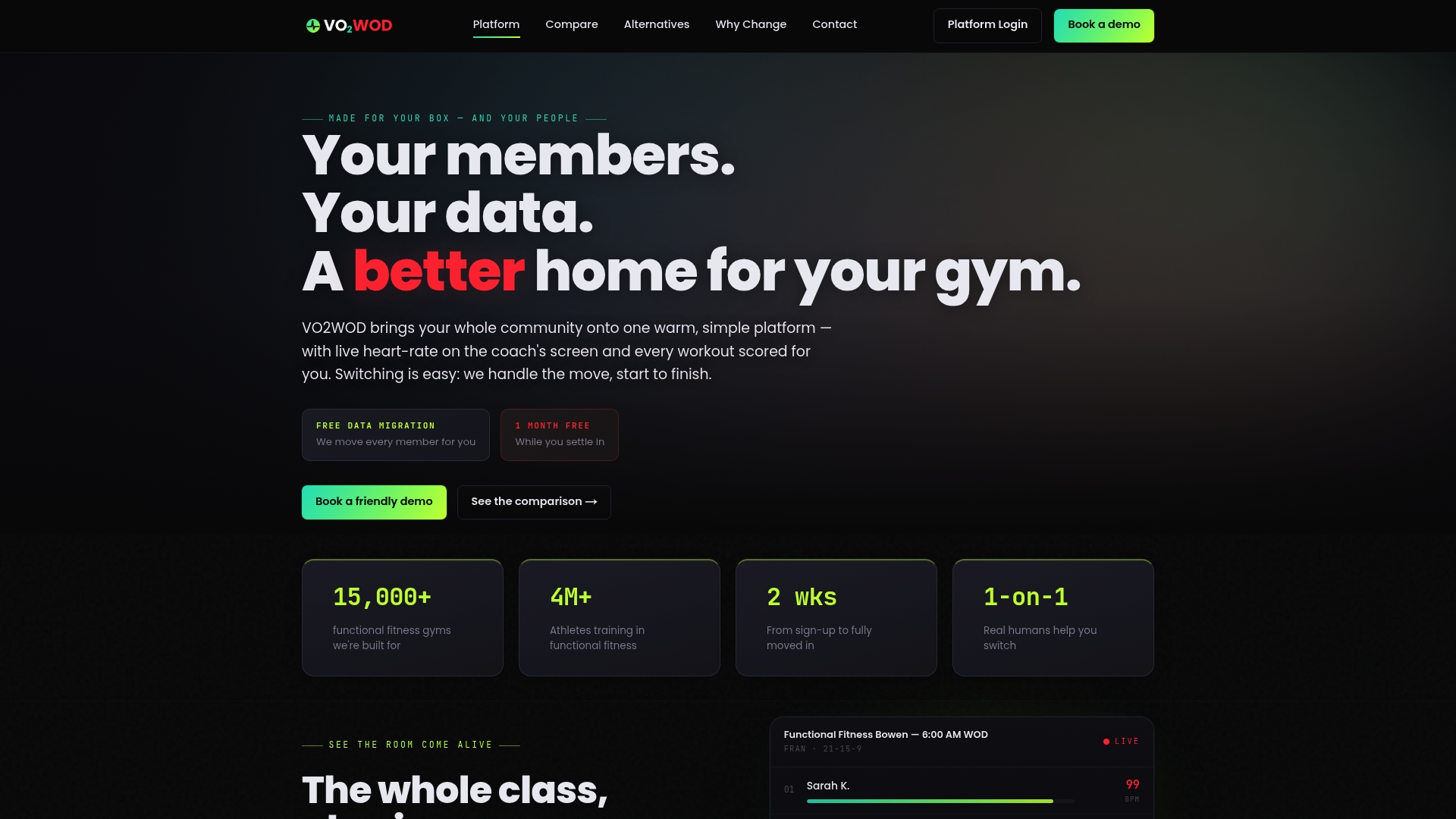
VO2WOD is management software built for functional fitness gyms, S&C facilities and boutique studios. It brings class scheduling and reservations, QR or wristband check-in, membership and recurring billing, a lead CRM and in-app messaging with milestones into one platform. Coaches also get live in-class heart-rate data and automatic workout scoring, with wearable integration for Garmin, Apple, Fitbit and Samsung devices. Moving over costs no extra effort on your side: we offer free data migration, one month of complimentary service and a dedicated support team for the transition.
If you are comparing options, our alternatives overview lays out how VO2WOD stacks up on the points above, and you can see VO2WOD itself for a closer look.
A rollout plan that protects your members
Do not switch every site on one Monday. Use phases.
Phase 1: Audit (week 1)
List every schedule, calendar, spreadsheet and app in use at each site. Note who owns each one, and what members and coaches currently see. This list is also your migration checklist.
Phase 2: Standardize (week 2)
Write the membership scope, base schedule template, reservation rules and edit permissions. Get each site manager to sign off on the rules, so nobody is surprised.
Phase 3: Pilot (weeks 3 and 4)
Move one site first. Import members and schedules, announce the change to members, and keep a short feedback loop with the coaches. Our four-week playbook for switching gym software gives a week-by-week version of this process.
Phase 4: Expand
Add the next site once the pilot has run a full month without a billing or booking problem. Reuse what you learned: the announcement wording, the training session for coaches, the rule explanations for members.
Measure whether it is working
Pick a small set of numbers and review them monthly, by site and then in total.
| Metric | What it tells you |
|---|---|
| Class fill rate (checked-in members divided by capacity) | Whether your timetable matches demand |
| No-show and late-cancel rate | Whether your rules and automation are working |
| Waitlist conversion | Whether you need more sessions at a given hour |
| Coach coverage gaps (classes with late substitutions) | Whether your bench and communication work |
| Schedule-change notice time | How far ahead members and coaches hear about changes |
| Cross-site visits per multi-site member | Whether the multi-site plan is used or just sold |
| Retention by site | Whether one location is losing members faster |
Look for patterns rather than single weeks. A site with high booking but low check-in has a no-show problem. A site with full waitlists at 6:00 a.m. needs another session. A coach who is always the last-minute substitute may be overloaded.
Common mistakes
- Different rules per site. Members compare notes. Inconsistent policies create arguments at the front desk.
- Coach schedules kept outside the member system. The class can be live while the coach is not booked.
- No owner for the base schedule. Everyone edits, nobody is accountable.
- Ignoring data privacy. Shared member records across sites mean shared responsibility; our seven data privacy controls are a practical starting list.
- Launching everywhere at once. A problem at three sites at once is a crisis; a problem at one is a lesson.
Our perspective
We built VO2WOD around a simple observation: the gym floor is where the real information lives, and most management tools never see it. A reservation tells you someone intended to come. A check-in tells you they came. Heart-rate data and automatic workout scoring tell you how the session went for them.
When a gym grows to more than one location, the biggest risk is not a missing feature. It is fragmentation: scheduling in one tool, billing in another, performance in a whiteboard photo. Each seam is a place where members and coaches lose trust in what they are seeing.
That is why we put scheduling, reservations, check-in, billing, messaging and performance tracking into one platform, and why we handle data migration for free and give you a dedicated team during the transition. The best schedule is the one your coaches and members believe, and that comes from one source of truth, not from more tools stitched together.
Marcus
FAQ
What is the best scheduling approach for a gym with multiple locations?
Use one platform with a single member profile, a shared base schedule and one set of reservation rules, with local overrides only for capacity and start times. This keeps the experience familiar for members and gives coaches and managers a single view of every class. Scheduling, check-in, billing and messaging in the same system make changes easier to carry through.
Can members book classes at more than one location?
That depends on the membership you define. Many gyms offer home-site plans and multi-site plans, with an optional daily cap. Decide the access rules first and write them into each plan, then set up your software to reflect them.
How far in advance should a gym publish its schedule?
Publish on a fixed, regular cadence so coaches and members can plan. Some U.S. cities require covered employers to give at least two weeks' notice of work schedules, as Chicago's updated ordinance does from June 1, 2026. Check with your state or city labor department whether a rule applies to your sites.
How do I prevent double bookings across locations?
Choose software that blocks overlapping reservations for the same member and ties each reservation to class capacity. For coaches, record sites, availability and travel buffers so the system flags impossible assignments before the schedule goes out.
How long does it take to move a multi-site gym to new software?
Plan for about four weeks for a first site, including audit, rule-setting, migration and a pilot, then add further sites one at a time. Free data migration and a dedicated support team shorten the manual work on your side.
Sources
- Federal Employment Law Guide for Small Business
- Updates to Chicago's Fair Workweek Ordinance Expand Employer Obligations