

A good class reservation system does four things: members book in a few taps, the gym caps each class at its real capacity, late cancellations free up spots for the waitlist, and staff see who actually showed up. The policy around those four things matters as much as the software. This guide walks through how US gyms handle each piece, with real numbers, so you can set rules your members understand and follow.
TL;DR
- Most US gyms open booking between 24 hours and 7 days ahead. Pick a window that matches how your members plan their week.
- Cancellation cutoffs usually run from 2 to 12 hours before class, with fees from $5 to $25 for late cancels and no-shows.
- Automatic waitlists with a short confirmation window fill cancelled spots, so the class stays full.
- Write the rules in one place, show them at booking, and enforce them the same way every time.
- Your reservation tool should connect to check-in, billing and attendance data, so you are not reconciling several systems.
Table of Contents
- How members reserve a class
- Booking windows: how far ahead should members reserve?
- Cancellation rules and late fees
- Waitlists that actually fill spots
- No-shows and check-in
- Perspective
- What to look for in reservation software
- Run reservations and performance in one place
- Putting it into practice
- FAQ
- Sources
How members reserve a class
The member flow is nearly identical across gyms: sign in, find the class, tap reserve, get a confirmation. The differences are in the details of each gym's app.
The First Coast YMCA has members sign in to the app, choose Find a Class, filter, select the class and tap Book Now. On the website, they choose Group Exercise, pick a branch and class, then click Sign Up and Reserve a Spot. Both paths end with an on-screen and email confirmation.
A functional fitness gym looks much the same. At CrossFit South Brooklyn, every visit is reserved through the member app: open the calendar, select the class and tap the Reserve button if the membership is valid. Reservations open 7 days ahead.
In big-box chains the flow adds a step or two. In-Shape members open the Reservations tile, tap the plus button, choose Find An Activity, pick the club and member, select the class and arrival time, and agree to a safety acknowledgement. They then get a confirmation message and email.
What this tells you as an owner:
- Confirmation is non-negotiable. Every example above ends with an on-screen message and an email. Members who do not get one assume the booking failed and book again.
- Fewer taps win. Find, filter, select and confirm is the whole job. Extra screens belong in onboarding, not in the booking path.
- The calendar is the product. If your class names are confusing, members hesitate. Clear naming helps, and we cover templates in class naming for functional gyms.
Booking windows: how far ahead should members reserve?
The booking window sets the rhythm of your whole schedule. A short window keeps classes from being booked and forgotten. A long one lets members plan their week and gives you earlier demand signals.
| Gym | Booking window | Who it applies to |
|---|---|---|
| First Coast YMCA | 24 hours | Members, first come, first served |
| 24 Hour Fitness | 2 days | Gold and Platinum members |
| In-Shape | 3 days, or 7 days with PREFERRED or ELEVATE perks | Members by tier |
| Rye YMCA | 49 hours | Members using the app |
| CrossFit South Brooklyn | 7 days | Members |
| Body Alive Fitness | 7 days unlimited and annual, 5 days class packs and drop-ins, 3 days promotional guests | Tiered by membership type |
Two patterns stand out. First, windows often vary by membership tier. That gives your best members first pick and is an easy way to reward commitment. Second, guests usually get a shorter window than members. Body Alive's tiers are a clear example, and the Rye YMCA sends non-members and nationwide members to a phone line instead of the app.
For a functional fitness gym with fixed daily programming, 7 days works well because members plan training around work. For a high-demand studio where prime-time classes fill in minutes, a shorter window or tier-based access reduces the rush at the moment bookings open.
Decide the window first, then publish it where members book. Members who cannot reserve a class that clearly has space are usually just too early, and a visible "booking opens" note saves your front desk a lot of questions.
Cancellation rules and late fees
The cancellation cutoff is the rule that protects your attendance. It should be long enough for the waitlist to fill the spot, and short enough that members can still react to real life.
| Gym | Free cancellation cutoff | Penalty |
|---|---|---|
| Rye YMCA | 4 hours | No-show mark; 3 consecutive no-shows in 7 days block booking for 1 week |
| Synergy Winston-Salem | 4 hours | Lost class for package members, $10 for monthly members |
| Garage Barre + Bike | 4 hours | $5 late cancel, $10 no-show, credit returned |
| FITLAB Strong | 12 hours | $15 late cancel, $20 no-show |
| Form50 Fitness | 12 hours | Class credit for 4x/8x members, $25 for unlimited, plus no-show fees |
| CrossFit South Brooklyn | 10 hours for 6am to 9am classes, 5 hours for 10am to 7:30pm classes | $15 fee |
Notice how CrossFit South Brooklyn scales the cutoff by class time. Early-morning classes need more notice because a waitlisted member cannot realistically respond at 5am. That is a smart detail to copy if your schedule has both dawn and evening blocks.
Make the penalty fit the plan
Synergy Winston-Salem charges package members a lost class and monthly members a $10 fee, because a monthly member has no class balance to deduct from. Form50 does something similar and also gives members one free late cancellation per month, which softens the policy without removing it. Garage Barre + Bike returns the credit even on a late cancel and charges a fee on top, and it charges fees automatically to the card on file.

Be specific about how to cancel
FITLAB Strong states that cancelling by email, social media message or text does not count. Only the account, the app or a call during business hours does. That sounds strict, but it prevents arguments, because there is exactly one record of what happened. Whatever channels you accept, name them in the policy.
If you want a ready-made structure, our class reservation policy template covers the clauses to include, and fee disputes are easier to handle when the policy was visible at booking. For the billing side of that, see chargeback management for gyms.
Waitlists that actually fill spots
A waitlist turns a cancellation into a full class. The design choice is how the spot is offered. These gyms show three distinct approaches:
- Automatic add. At the Rye YMCA, if a spot opens more than 4 hours before class, the next person on the list is added automatically. Inside 4 hours, they get a push notification and email with a 15-minute window to opt in.
- Confirm within a window. At CrossFit South Brooklyn, the first person on the list gets a text with 1 hour to confirm. The status shows as reserved during that hour, but the spot is not secure until they confirm.
- Fastest fingers. Synergy Winston-Salem keeps 10 waitlist spots open for every class. Until 2 hours before class it books the first person automatically with an SMS confirmation. Inside 2 hours, everyone on the list gets a text and the first to accept gets the spot.
The common thread is that the offer window shrinks as class time approaches. Offering a spot for an hour makes sense a day ahead, and makes no sense 90 minutes before the whistle.
A few guardrails keep waitlists fair. Form50 allows one waitlist spot per class per day and lets members remove themselves up to 1 hour before class. A member who is moved into class and then cancels late takes the penalty. Without that rule, members join five waitlists and keep whichever class they feel like. The Rye YMCA also caps reservations at two classes between 8am and 12pm to keep peak-time access fair.
If you are deciding how many seats to open and when to add classes, our guide to break-even class capacity planning shows how to read waitlist length as a signal.
No-shows and check-in
The reservation is only half the record. The other half is whether the member walked in the door.
Many gyms set a hard arrival cutoff. FITLAB Strong treats a client who has not entered the room within 5 minutes of start as a no-show and may give the spot to the waitlist. Garage Barre + Bike asks clients to check in at least 2 minutes before start, may release unclaimed spots to waitlisted clients at that point, and bars entry more than 5 minutes after start for safety reasons.
The In-Shape FAQ adds a useful caveat: an app reservation does not guarantee a specific spot in the room, and once a class begins it can no longer be booked in the app. Tell members this in advance, especially in classes with limited equipment stations.
QR or wristband check-in makes these rules enforceable without a clipboard. When check-in feeds the same system as the reservation, no-shows are flagged automatically and the waitlist can move without staff intervention. Our guide to reducing class no-shows covers reminders, grace periods and follow-up. Drop-in visitors need their own path through booking, waiver and check-in, which we cover in gym drop-in management.
Perspective
Most gym owners we talk to do not have a booking problem. They have a disconnected-tools problem. Reservations live in one place, billing in another, check-in on a clipboard, and performance data nowhere. The member sees a gap between "I booked" and "I was recognized for showing up."
We built VO2WOD for functional fitness gyms, so reservations sit in the same platform as membership and recurring billing, QR or wristband check-in, class scheduling, the lead CRM and in-app messaging. When a member reserves, checks in and then trains with heart rate tracking, the class is scored automatically and the result lands in their history. We designed it so coaches get that picture without manual data entry.
Our view is that a reservation is the start of a member's story in your gym, not a seat assignment. Every booked class is a chance to show a member their effort, celebrate a milestone and give them a reason to book the next one. That is how we think about retention: attendance you can see, and progress members can feel.
Marcus
What to look for in reservation software
Whatever you choose, test it against the rules above. A system worth running should let you configure:
- Booking windows by membership type, so members, drop-ins and promotional guests can each have their own.
- Cancellation cutoffs and fees by class time and plan, in the way CrossFit South Brooklyn and Synergy do.
- Waitlists with timed offers, ideally automatic, with notifications by text, email or push.
- Check-in tied to the reservation, via QR code or wristband, so attendance is recorded as it happens.
- Reminders and confirmations sent without staff effort.
- Calendar sync, so members can see classes where they already plan their day. We outline the options in gym calendar sync approaches.
- Reporting that connects bookings, attendance and billing in one view.
For functional fitness specifically, the extras matter. Movement libraries and personal-record tracking give members a reason to return, and live heart rate data shows effort in the room. Our look at group heart rate training rollouts explains how owners introduce it to a class.
If you are comparing options by type, you will see standalone booking apps, general studio platforms and functional-fitness-specific systems. We lay out how VO2WOD compares on our software alternatives page.
Run reservations and performance in one place
VO2WOD is management software built for functional fitness gyms. It covers class scheduling and reservations, membership and recurring billing, QR or wristband check-in, a lead CRM and in-app messaging with milestones. It also adds live in-class biometrics through heart rate tracking and automatic workout scoring, and it connects with Garmin, Apple, Fitbit and Samsung wearables. If you are switching from another system, we offer free data migration, one month of complimentary service and a dedicated support team to guide the transition.
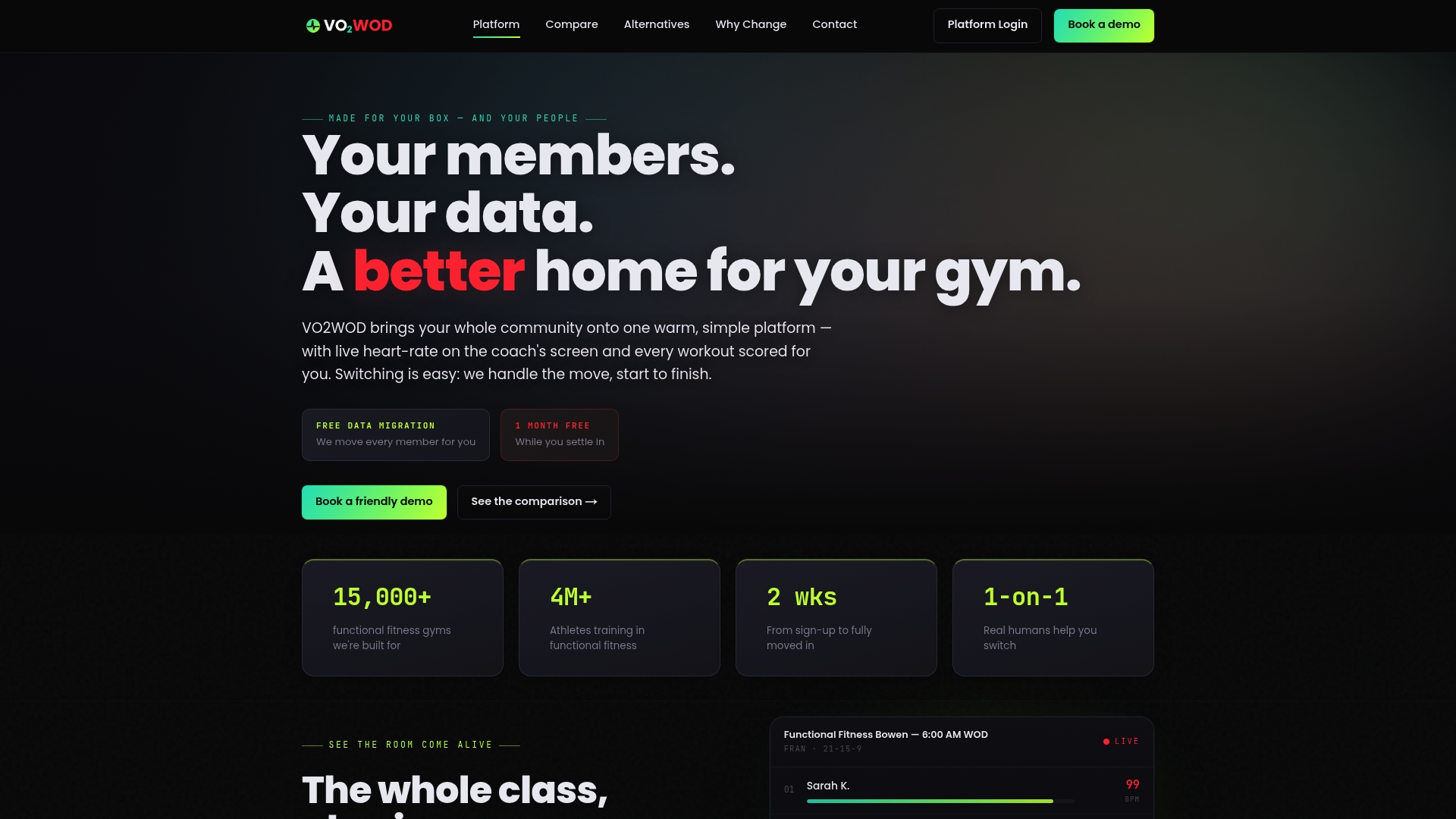
See how it works on the VO2WOD site, or explore the Vo2hub group-fitness hardware that brings heart rate data into your classes.
Putting it into practice
A simple rollout sequence keeps changes manageable:
- Set the window. Choose how far ahead members can book, and whether tiers get different windows.
- Set the cutoff. Match it to your waitlist speed. If you cannot fill a spot in 4 hours, do not set a 4-hour cutoff.
- Choose the penalty. Use a credit loss or a fee that fits each plan type, and consider one free late cancel per month.
- Write one page. Put every rule in a single policy, and link it from the booking screen.
- Announce it twice. Send it by email and in-app before it takes effect, and post it at the front desk.
- Review monthly. Look at no-show rate, waitlist conversion and class fill by time slot, then adjust.
The point of all this is not to police members. It is to make the class dependable: if you book it, a seat is there, and if you cannot go, someone else gets it.
FAQ
How far in advance should a gym let members book classes?
Most US gyms in the examples above fall between 24 hours and 7 days. Functional fitness gyms with fixed weekly programming often use 7 days. High-demand studios may use a shorter window or give longer access to higher membership tiers.
What is a fair late-cancellation fee?
The examples above range from $5 to $25 for late cancellations, and from $10 to $45 for no-shows depending on the studio and plan. Many gyms also return the class credit or give one free late cancel per month. Pick an amount that matches your class price, and make sure members see it before they book.
How do class waitlists work?
When a member cancels, the system offers the spot to the next person on the list. Some gyms add the person automatically, and others send a text or push notification with a confirmation window. Windows get shorter as class time approaches, for example 15 minutes at the Rye YMCA inside 4 hours of class.
Do members need to reserve every class?
That is your call. Some gyms require a reservation for every group class, such as In-Shape and CrossFit South Brooklyn. Others allow walk-ins when a class is not full, as the First Coast YMCA does. Required reservations make capacity planning and attendance tracking more accurate.
Can one system handle reservations, billing and check-in?
Yes. Our software combines class scheduling and reservations, recurring billing and QR or wristband check-in in a single platform. That keeps attendance, payments and member history connected without separate tools.
Sources
- Reserving a Group Exercise Class, First Coast YMCA
- Membership Policies, CrossFit South Brooklyn
- Group Fitness FAQs, In-Shape
- How do I make a GX24 studio class reservation, 24 Hour Fitness
- Reservations, Rye YMCA
- FAQ, Body Alive Fitness
- FAQs, Synergy Winston-Salem
- Terms & Conditions, Garage Barre + Bike
- Terms & Conditions, FITLAB Strong
- Cancellation & Reservation Policies, Form50 Fitness