

The most reliable way to sync a gym's schedule with the outside world is a hybrid setup: publish ICS feeds for members who just want a quick read-only subscription, and run server-driven API and webhook sync for staff calendars and anything that needs to be authoritative. Operators generally run into three approaches: iCal feeds, platform APIs like Google Calendar and Microsoft Graph, and native write flows on iOS and macOS. This article walks through a technical checklist, a migration plan, and how we built calendar sync into VO2WOD.
TL;DR:
- ICS subscriptions refresh on each calendar app’s schedule, so disclose the delay to members and reserve them for changes that are not time sensitive.
- Renew webhook subscriptions before they expire, reconcile missed notifications, and monitor delivery failures so staff calendars do not silently fall behind.
- Store member and class identifiers in extended properties, not visible event titles or descriptions, and keep personally identifying details inside your gym system.
- Test booking changes in staging across Google, Outlook, and Apple; publish member feeds first, then enable staff API sync after one or two clean weeks.
Table of Contents
- Calendar Sync Approaches Every Gym Operator Should Know
- Building a Technical Checklist: Permissions, Webhooks, and Metadata
- Rolling Out Calendar Sync Without Disrupting Live Bookings
- How VO2WOD Handles Calendar Sync for Functional Fitness Gyms
- Best Practices for Syncing Workout Schedules With Member Calendars
- Integration Strategies for Fitness Hardware Like Vo2hub in Calendar Events
- Optimizing Calendar Sync for Real-Time Class Performance Updates
- Handling Conflicts and Overlapping Events in Gym Class Schedules
- User Experience Considerations When Implementing Calendar Sync
- Prioritize Reliability and Member Experience
- VO2WOD: Calendar Sync Built Into Gym Management
- FAQ
- Sources
Calendar Sync Approaches Every Gym Operator Should Know
Three distinct methods cover almost every calendar sync need a gym has, and they are not interchangeable.
An ICS feed is a static file your scheduling system publishes at a URL. Members subscribe once in Google Calendar, Outlook, or Apple Calendar, and their app periodically fetches updates. It is simple to build and works everywhere, but the update cycle is not something you control. Several Google Calendar support threads describe subscription refreshes happening far less often than developers expect, which makes ICS a poor fit for anything time-sensitive like a last-minute class cancellation.
Google Calendar API and Microsoft Graph are the two-way options. Both let your server create, update, and delete events directly in a member's or staff member's calendar, and both support change notifications so your system knows the moment something shifts on the other end. Google calls this a watch channel; Microsoft Graph calls it a subscription. These require OAuth consent and ongoing token management, but they give you near-real-time accuracy.
Apple EventKit and EventKitUI cover native iOS and macOS integration. Since iOS 17, Apple added write-only access through EventKitUI controllers, so a gym app can drop a class booking directly into a member's calendar without ever requesting full read access to their existing events, according to Apple's developer session notes.
Mapping these to use cases:
- Member-facing class schedules: ICS feed for casual subscribers, EventKitUI write flow for a cleaner in-app save.
- Staff and coach calendars: API-driven sync through Google Calendar or Microsoft Graph for accuracy.
- Third-party integrations (payroll, league software, partner apps): server-side API sync with webhooks so changes propagate without manual refresh.
Building a Technical Checklist: Permissions, Webhooks, and Metadata
Before any sync goes live, work through these items in order.
- Choose the right permission model. For server-managed sync across many staff calendars, Microsoft Graph documentation recommends application permissions over delegated ones, since delegated permissions only let you subscribe to the signed-in user's own mailbox. If your gym software needs to manage subscriptions across an entire studio's staff without each coach going through an individual OAuth flow, application-level access is the only practical path.
- Build subscription lifecycle handling. Webhook subscriptions expire. Set up renewal jobs that recreate channels before expiration, and build a reconciliation pass that catches anything missed while a notification failed to deliver.
- Cap ICS polling behavior. Calendar clients can keep requesting an ICS URL indefinitely, even after you have removed it, as reports on the Apple Developer Forums describe. Rotate feed URLs periodically and prune inactive subscribers server-side rather than letting old links poll forever.
- Store gym metadata in extended properties, not event titles. Google's API supports extended properties on event resources, which let you attach a member ID or class ID without putting it in the visible event text. Keep personally identifying details inside your own system; only non-sensitive IDs belong in a calendar event.
- Separate bulk migration from day-to-day inserts. Use an import endpoint for your first large data load instead of calling insert repeatedly, and be careful with notification flags like sendUpdates, since misuse can trigger a flood of emails or leave records in an inconsistent state.
- Monitor quotas and failures continuously. Set alerts for approaching API rate limits, webhook delivery failures, and subscriptions nearing expiration so a silent failure does not turn into a week of stale schedules.
Pro Tip: Run a dry migration against a staging calendar that mirrors your real class schedule before touching a single live member calendar.
Privacy deserves a specific note here. When an event is visible to the attendee, like a class booking that shows up on a member's own calendar, avoid embedding other people's information in the description field. Extended properties are not visible to the end user, which makes them the safer place for internal identifiers.
Rolling Out Calendar Sync Without Disrupting Live Bookings
A schedule migration touches every member's week, so sequence it carefully.
Start with an inventory. Walk through every calendar type your gym touches today: member class reservations, coach schedules, room or equipment bookings, and any third-party calendars tied to partner programs. Decide which ones genuinely need two-way API sync and which can run on a simple read-only ICS subscription. Most member calendars only need the latter.
Next, move your existing schedule into a staging environment using bulk import endpoints rather than one-by-one inserts, then exercise every operation your software performs in production: creating a class, updating its time, canceling it, and moving a member between sessions. Confirm each operation lands correctly before any real member sees it.
Test across clients, not just APIs. Google Calendar, Outlook or Exchange, and Apple Calendar each render recurring events and updates slightly differently on desktop versus mobile, so a change that looks correct in one client can display oddly in another.
Roll out in two stages:
- Publish ICS feeds first for members, since this is lower risk and immediately useful.
- Enable full API and webhook sync for staff and power users once the feed stage has run cleanly for a week or two.
Build a simple monitoring dashboard tracking sync failures and webhook health, and keep a documented rollback plan in case a staff calendar integration needs to be paused without affecting the member-facing feed.
How VO2WOD Handles Calendar Sync for Functional Fitness Gyms
Inside VO2WOD, class scheduling and reservations connect directly to the features gyms actually run day to day: check-in, in-app messaging with milestone alerts, and wearable integrations with Garmin, Apple, Fitbit, and Samsung. That means a calendar sync setup is not bolted onto a separate scheduling tool. It sits next to the same system tracking attendance and performance.
We support publishing feed URLs so members can subscribe to their class schedule with one tap, while staff and administrative calendars run through API and webhook-based sync for accuracy. Switching into this setup does not require a cold start: we include data migration and a period of complimentary service, backed by team support through the transition. Our Four Week Playbook walks through exactly what that timeline looks like for a gym moving off another platform.
Best Practices for Syncing Workout Schedules With Member Calendars
A calendar sync only improves member engagement if it respects how people actually use their calendars. Dumping every class variation into a member's personal calendar as a wall of near-identical events trains them to ignore your gym's entries entirely.
Keep event titles short and consistent, something like "6 AM WOD" rather than a long string of programming notes, and put the detail where it belongs: in your gym app, not the calendar description. Send updates only when something material changes, a time shift or a cancellation, not every time a coach edits an internal note.
Give members a choice between the ICS subscription and an in-app save through a native write flow, since Apple's write-only access model exists specifically so an app can add a single event without requesting broad calendar permissions. That lower-friction path tends to get used more than a manual subscription setup.
Finally, treat the calendar entry as a reminder, not the system of record. The member's calendar should always point back to your booking system for the current status of a class, since a stale local copy sitting in someone's phone calendar after a class is moved is one of the fastest ways to lose trust in the sync feature altogether.
Integration Strategies for Fitness Hardware Like Vo2hub in Calendar Events
Hardware adds a layer most calendar sync discussions skip entirely. When a gym runs in-class biometric monitoring through something like Vo2hub, the calendar event for a class is not just a time block anymore. It is the trigger that tells the hardware which session is about to start and which members are checked in for it.
The practical approach is to treat the calendar event as the coordination point and the hardware integration as a separate data channel underneath it. Use extended properties on the calendar event to carry the class ID, and let your gym software's own API connect that same class ID to the live heart rate session and automatic scoring running on the hardware side. That keeps the calendar clean and human-readable while still giving your backend everything it needs to tie a class time slot to a live monitoring session.

Avoid trying to push hardware telemetry into the calendar event itself. Calendars are not built to carry live performance data, and attempting to update an event every time a heart rate reading changes will hit API rate limits fast. Keep the calendar as the schedule layer and let a platform like VO2WOD handle the real-time biometric side through its own connection to the hardware.
Optimizing Calendar Sync for Real-Time Class Performance Updates
Members increasingly expect to see what happened in a class almost immediately after it ends, not the next day. That expectation puts pressure on calendar sync to move fast, but calendars are the wrong layer for that kind of speed.
Use webhooks and push notifications, not the calendar itself, to carry real-time updates. Google Calendar's watch channels and Microsoft Graph's subscriptions exist specifically to notify your server the moment a change happens, so your system can react immediately rather than waiting for a scheduled poll. Reserve the calendar event for the stable facts: time, location, coach name.
For anything that updates in real time during or right after a class, a scoreboard or in-app milestone notification does the job better than editing calendar entries, which should stay largely static once published. Trying to make the calendar itself real-time usually produces more update noise than members want, and it is often the fastest way to burn through API quotas without actually improving the member experience.
Handling Conflicts and Overlapping Events in Gym Class Schedules
Double-booked rooms and overlapping class times are one of the most common sync failures gyms run into, usually because the scheduling system and the calendar layer disagree about what counts as a conflict.
Build conflict detection at the source, inside your gym management software, before an event ever reaches a calendar API. Checking room capacity, coach availability, and equipment constraints after the event has already synced to a dozen member calendars means you are now canceling and re-notifying rather than preventing the problem.
When two events genuinely need to overlap, like a specialty class sharing floor space with open gym time, make that explicit in the event title or extended property rather than letting members guess from a calendar that shows two conflicting blocks. If a conflict does slip through, cancel cleanly through the API rather than deleting and recreating the event, since a clean cancellation status propagates more predictably across Google Calendar, Outlook, and Apple Calendar clients than a deleted followed by a new insert.
User Experience Considerations When Implementing Calendar Sync
The technical plumbing matters less to a member than whether the calendar sync actually feels reliable. A few patterns consistently make or break that perception.
First, set expectations about the ICS feed's limits upfront. Since subscription refresh timing varies by calendar client and can lag well behind real time, telling members plainly that the feed is "updated periodically, not instantly" prevents confusion when a last-minute change does not show up on their phone right away.
Second, make the opt-in moment simple. A single tap to subscribe, whether through an ICS link or a native write flow, beats a multi-step setup process that asks members to copy a URL into their calendar app manually.
Third, keep naming consistent across every surface. If your app calls a session "Open Gym" but the calendar event says "OG Block," members notice the mismatch and start trusting the app over the calendar, which defeats the purpose of syncing in the first place.
A real-world pattern worth borrowing comes from club scheduling outside fitness entirely: racquet sports clubs publishing calendar sync to prevent double bookings rely on the same core idea, treating the calendar as a read-only mirror of a system of record rather than a second place to edit anything.

Prioritize Reliability and Member Experience
Marcus has spent years working alongside gym operators on the software side of functional fitness, watching sync projects succeed or fail based on decisions made weeks before launch rather than on launch day itself.
The single highest-leverage step is auditing, calendar by calendar, which ones genuinely need write access and which only need a read-only subscription. Test every insert, update, and cancel flow against a staging calendar, and watch webhook health closely during the first two weeks of any rollout. That window reveals almost every problem you will ever see.
— Marcus
VO2WOD: Calendar Sync Built Into Gym Management
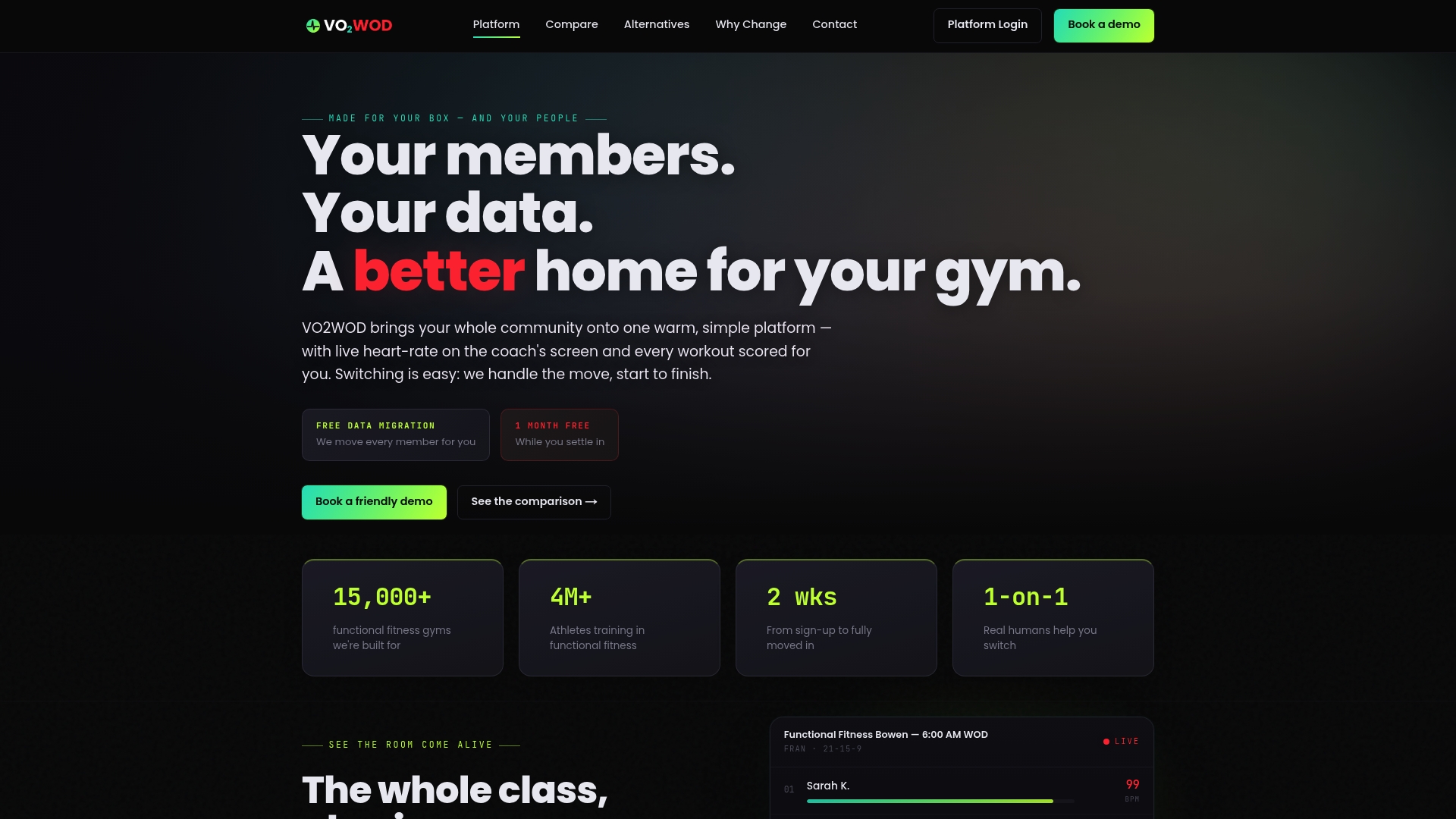
We built calendar sync into VO2WOD rather than treating it as a separate project, so class scheduling, reservations, and wearable data already live in one system instead of three disconnected tools. That alignment, plus data migration and a period of complimentary service while you get set up, makes switching lower friction than starting a sync project from scratch on your current platform.
When you're evaluating options, a short demo checklist helps:
- Ask whether feed URLs are available for members alongside staff-facing API sync.
- Ask how webhook failures and subscription renewals are monitored.
- Ask whether gym metadata is stored through extended properties rather than exposed in event titles.
- Ask for a staging or test environment before going live.
- Ask what the migration timeline looks like for your specific schedule size.
| What to check | Why it matters |
|---|---|
| Feed URLs for members | Low-friction subscription without full API access |
| Staff-facing API and webhook sync | Accuracy for authoritative schedule changes |
| Extended properties support | Keeps gym metadata out of visible event fields |
| Migration and onboarding support | Reduces disruption when switching platforms |
See the full feature set on the VO2WOD product page, or compare integrated hardware options on the Vo2hub page if your gym runs in-class biometric monitoring alongside scheduling.
FAQ
What is the best way to sync a gym schedule with Google Calendar?
Publish an ICS feed for members who want a quick, read-only subscription, and use the Google Calendar API for staff calendars or any integration that needs real-time accuracy. The API also supports watch channels so your system gets notified the moment something changes.
Why does my gym's calendar feed update so slowly?
ICS subscription feeds depend on how often the receiving calendar app chooses to poll the URL, and that interval is often much longer than developers expect, sometimes far beyond a few hours according to Google Calendar support discussions. For anything time-sensitive, use an API-driven sync with webhooks instead of relying on the feed alone.
Should I use delegated or application permissions for calendar sync?
Application permissions are recommended for server-managed sync across many staff calendars, since Microsoft Graph documentation notes that delegated permissions only allow subscribing to the signed-in user's own mailbox. Choose delegated permissions only when each staff member is authenticating individually.
How do I prevent personal member data from showing up in calendar events?
Store identifiers like member IDs or class IDs in extended properties rather than in the event title or description, since Google's API guide describes these fields as a way to attach private metadata without exposing it to the calendar viewer. Keep any personally identifying details inside your gym management system instead.
Does VO2WOD support calendar sync for gym scheduling?
VO2WOD includes class scheduling and reservations as part of its management platform, and feed-based member subscriptions sit alongside staff-facing sync support. Pricing details and setup specifics are available on request through the VO2WOD product page.
Sources
- Change notifications for Outlook resources in Microsoft Graph - Microsoft Learn
- WWDC session: EventKit and EventKitUI notes (Apple)
- Google Calendar API guide: extended properties