

Yes, you can switch gym software without losing members or dropping billing data, but only if you nail three things: a complete data export, a clean payment-token transfer, and a member communication plan that starts a week before go-live. Most failed migrations aren't technical failures. They're coordination failures. Whenever it's an option, use your new vendor's concierge migration team instead of doing it solo.
TL;DR:
- Successful migration requires a complete data export of six key files, including member rosters, transaction histories, and signed waivers, all backed up independently.
- Transferring payment tokens depends on processor compatibility, with the old system's billing fully disabled before activating billing in the new platform to prevent double charges.
- A coordinated, staged rollout with a dedicated owner and clear communication to members at least one week before cutover minimizes errors and member confusion.
- Monitoring active member count, payment accuracy, and revenue within the first two weeks identifies issues early, enabling targeted fixes without full rollback.
- Gym owners should avoid simultaneous billing in old and new systems, as this is the most common cause of billing errors during migration.
Table of Contents
- Your Week-by-Week Gym Software Migration Checklist
- What Data Do You Need to Export Before Switching?
- How Do You Transfer Payment Tokens Without Double Charging Members?
- Preparing Staff and Members for the Switch
- What Should You Monitor After You Go Live?
- The Coordination Problem Nobody Talks About
- How Vo2wod Handles Your Migration
- Sources
- FAQ
Your Week-by-Week Gym Software Migration Checklist
A migration goes wrong when it's treated as a weekend project instead of a scheduled rollout. Give it four weeks, assign one internal owner who isn't also running the front desk that week, and set three explicit goals: continuity for members, zero data loss, and zero double charges.
Here's a workable sequence, based on the kind of staged rollout outlined in Kipr's switch checklist and the 4-week migration framework from Nutrition Ports:
- Week 1: Audit and export. Pull all essential data files listed in the data migration section and store copies securely, not just in the old vendor's dashboard.
- Week 2: Test migration. Import a sample dataset, maybe 20 to 30 member records, into the new system and confirm every custom field mapped correctly.
- Week 3: Staff training and member notice. Train your team on the new interface and send the first member announcement.
- Week 4: Cutover and stabilization. Go live, then run the reconciliation checks on days 1, 3, 7, and 14.
Timing matters more than most owners expect. Pick a midweek day, ideally mid-billing-cycle rather than the day before rent or payroll runs, and freeze all member and pricing edits in the old system 72 hours before cutover. That freeze window is what keeps your export clean.
During the overlap, run new bookings in the new system while leaving the old one in read-only mode for staff reference. Disable billing in the old platform completely before you switch billing on in the new one. Running both live at once is the single most common way gyms accidentally double-charge members.
Post-launch, assign a named owner to each check:
- Day 1: Confirm active member count matches the pre-migration roster.
- Day 3: Sample 20 members and verify pack balances and next-bill dates.
- Day 7: Compare total revenue against your prior month and call anyone missing a payment method.
- Day 14: Final reconciliation, then formally retire staff access to the old system.
Pro Tip: Build this checklist as a shared document with checkboxes and owner names next to each line, not a mental list in your head. Migrations fail quietly when "someone" was supposed to check something and nobody actually did.
What Data Do You Need to Export Before Switching?
Six files matter more than the rest, and losing any one of them creates a member-facing problem within days of go-live.
- Member roster with internal IDs, contact info, and membership status.
- 24 months of transaction history, including payment processor IDs tied to each charge.
- Pack and credit tables, showing both purchases and redemptions so balances carry over exactly.
- Attendance history, which most functional fitness members expect to see intact for personal-record tracking.
- Staff records and permission levels.
- Signed waivers, exported as PDFs, not just a checkbox saying one exists.
Before you import anything, clean the data. Remove duplicate member profiles, verify that billing dates and contact info are current, and specifically flag anyone on grandfathered pricing so they don't get auto-upgraded to a current rate by accident.
Field mapping is where most of the real work lives. Document every custom field and tag your old system uses (things like "founding member" or "injury note") and decide explicitly where each one lands in the new platform. Pack balances need their own mapping step. A studio migration framework from Zatrovo treats a migration as four separate ledgers: the member roster, the revenue trail, unredeemed pack credits, and payment permissions. Miss the credits ledger and you'll have members who paid for ten sessions showing zero left.
| Data type | Format to request | Why it matters |
|---|---|---|
| Member roster | CSV with internal IDs | Prevents duplicate or orphaned profiles |
| Transaction history | CSV with processor IDs | Needed for billing reconciliation |
| Pack/credit balances | CSV, purchase and redemption tables | Avoids members losing paid-for sessions |
| Attendance logs | CSV or export report | Preserves personal-record history |
| Waivers | Legal record, not just a status flag |
Keep your own independent backup of every export. Never rely solely on the new vendor's import log as your only copy of the old data.
How Do You Transfer Payment Tokens Without Double Charging Members?

Token transfers let payment credentials move between systems without members re-entering card details, but only when both the old and new platforms use compatible processors and follow the documented transfer steps, as outlined in guidance on switching gym software without losing members. Confirm processor compatibility before you commit to a go-live date, not after.
The sequence matters:
- Request the token mapping file from your outgoing processor in writing, with a turnaround estimate. Some processors take days to weeks to release it.
- Disable card edits in the old system once the export request is filed, so no new tokens get created that won't transfer.
- Import the mapping file into the new system and verify a sample of accounts before enabling live billing.
- Turn on billing in the new system only after billing is fully disabled in the old one. Never run both simultaneously.
Update your statement descriptor in every member notice. If the new charge shows up under an unfamiliar name on a bank statement, members flag it as fraud, and disputed charges cost you far more in support time than the migration itself.
Pro Tip: Run one sample recurring charge through the new system before your real billing date and check that it settles correctly and shows the expected descriptor. A five-minute test here catches problems a mass charge run won't forgive.
Preparing Staff and Members for the Switch
Staff need hands-on time with check-ins, booking overrides, refunds, and updating a member's payment method before go-live day, not a screen-share the morning of. Give front desk staff a short FAQ script for the two questions they'll get most: "Do I need to download anything?" and "Will I be charged twice?"
Member messaging follows a simple cadence, and skipping any step is what causes the billing surprises that drive churn, according to Chalk It Pro's migration guidance:
- One week prior: Announce the switch, why it's happening, and what members need to do.
- One day prior: Send a reminder with the exact go-live date and time.
- Morning of go-live: Send the download link and one clear instruction, like "log in with the email on file."
Designate one staff member to call anyone who didn't add a payment method within 48 hours, and keep a reply channel open for go-live day questions. For members who show up confused, have a temporary manual check-in procedure ready at the desk.
Pro Tip: Keep the go-live message to one sentence of instruction. A wall of text on a Tuesday morning gets skimmed, not read.
What Should You Monitor After You Go Live?
Watch four numbers for the first two weeks: decline rate, booking errors, support-ticket volume, and any drop in attendance. A spike in any one tells you exactly where to look.
- Day 1: Reconcile active member count against your pre-migration roster.
- Day 3: Sample 20 members for pack balances and next-bill accuracy.
- Day 7: Compare revenue totals and call members still missing payment methods.
- Day 14: Final reconciliation, then retire old system access entirely.
Sort every issue into one of three buckets, payment, booking, or data mapping, and assign an owner to each bucket rather than letting problems pile onto whoever's at the desk.
| Metric | Healthy range | Action if off |
|---|---|---|
| Card decline rate | Near pre-migration baseline | Check token mapping first |
| Booking errors | Rare, isolated cases | Verify class schedule import |
| Support tickets | Small daily bump, tapering by day 7 | Add temporary support hours |
Because you kept the old system read-only during overlap, you rarely need a full rollback. A targeted patch almost always beats reversing the entire migration, unless billing fails systemically across many accounts at once.
The Coordination Problem Nobody Talks About
Owners fixate on the technical risk of switching gym software and underestimate the coordination risk. A named migration contact and real concierge support cut member-facing errors far more than any spreadsheet ever will.
— Marcus
How Vo2wod Handles Your Migration
If you're weighing switching gym management systems and dreading the data work, some platforms build onboarding to reduce this friction by including free data migration and dedicated transition support that imports your member roster, preserves billing continuity, and trains your staff, so you're not the one mapping custom fields at midnight.
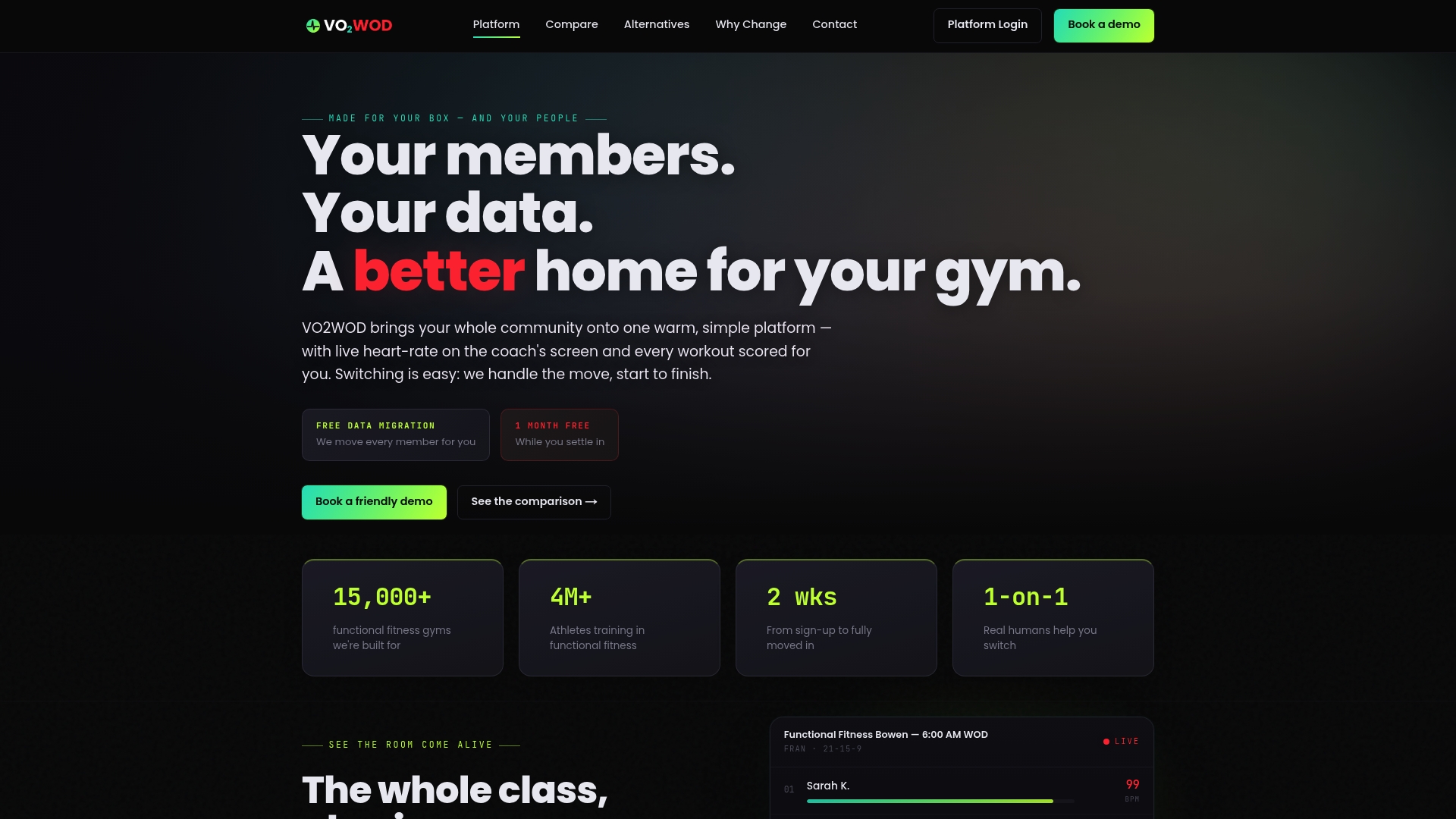
You also get one month of complimentary service to run live operations before committing, which matters when you're evaluating something as different as live in-class biometrics and automatic workout scoring. Those built-in features are designed to reduce the post-migration friction that trips up functional fitness gyms specifically, since generic gym platforms rarely handle heart-rate tracking or auto-scoring well. If you've been comparing VO2WOD against other functional fitness platforms, the migration support is the part that usually settles the decision.
To request migration help, have your member roster, transaction history, and pack balance exports ready, along with your current processor details. From there, Vo2wod's team takes over the import and mapping work directly.
Sources
- The switch checklist: what to line up before you change software | Kipr
- Gym Software Migration Checklist 2026: Step-by-Step Guide
- How to Switch Gym Software Without Losing Members - ManageMemberships
- Studio Software Migration: A Checklist That Avoids Lost Data — Zatrovo Blog
FAQ
What Is the Best Gym Software for a Functional Fitness Gym?
The best fit depends on whether you need live performance tracking alongside standard billing and scheduling. Platforms built specifically for functional fitness, like Vo2wod, combine heart rate monitoring and automatic workout scoring with membership management, which general-purpose gym software typically doesn't offer.
How Much Does Gym Management Software Cost?
Pricing varies widely by feature set, member count, and whether hardware like heart-rate monitors is included. Vo2wod's current pricing is available directly on its pricing page rather than through a flat published rate.
How Long Does a Full Payment-Token Transfer Take?
Processor turnaround for releasing a token mapping file can take anywhere from several days to a few weeks, so get a written estimate before locking in a go-live date. Build that buffer into your migration timeline rather than assuming an overnight transfer.
What CRM Do Most Gyms Use for Member Management?
Most functional fitness gyms use whatever lead and member CRM is built into their gym management platform rather than a separate standalone tool, since it keeps booking, billing, and communication in one system. Platforms like Vo2wod include CRM functionality alongside performance tracking, which avoids the double data entry that comes with running a separate CRM.
What's the Biggest Mistake Gyms Make When Switching Gym Software?
The most common mistake is running old and new billing systems live at the same time, which causes double charges. The fix is simple: disable billing on the old platform completely before activating it on the new one, and keep the old system in read-only mode during the overlap window.