

Gym data migration is moving your members, memberships, billing, attendance, leads and workout history from your old software into a new system. Done well, members notice nothing except a better app. Done badly, they get double charges, lost class credits and missing personal records. The safest route is a migration the software company does with you, which is why we offer free data migration and a dedicated transition team at VO2WOD. This guide covers what to move, how to prepare it, how to test it and how to check it after launch.
TL;DR
- Migrate everything that drives revenue and retention: members, active memberships, billing schedules, credits, reservations, leads and workout history.
- Card numbers never travel in a spreadsheet. Payment data moves only through your processor, so confirm that path before you sign anything.
- Test with a real export, not a tidy sample, then reconcile counts and balances line by line.
- Pick a cutover date between billing runs and freeze changes in the old system until launch.
- Free migration help from the vendor removes the slowest and riskiest work from your plate.
Table of Contents
- What a gym actually needs to migrate
- Prepare before you export
- Payments: the part that needs the most care
- Map your fields and decide what will not transfer
- Test with real data, then reconcile
- Schedule the cutover
- Verify after you go live
- Why migration help is worth more than a cleaner spreadsheet
- What VO2WOD does for your move
- FAQ
- Sources
What a gym actually needs to migrate
Most owners think of "the member list." The member list is the easy part. The data that causes trouble sits around it. Here is the full inventory for a functional fitness gym.
| Data | Why it matters | Where it goes wrong |
|---|---|---|
| Member profiles (name, email, phone, birthday, emergency contact) | Every message, check-in and invoice hangs off the profile | Duplicates, missing emails, special characters, merged profiles |
| Memberships and plans (type, price, renewal date, freeze status) | Decides what each person is billed and when | A plan imports but is not assigned to the member |
| Billing and payment methods | Your revenue | Card data cannot be exported like a normal field |
| Class credits and punch cards | Members paid for these | Expiration dates are lost, balances reset to zero |
| Reservations, waitlists, recurring bookings | Tomorrow's classes | Future bookings do not carry over, coaches face empty rosters |
| Leads and prospects | Your sales pipeline | Notes and source tags dropped |
| Waivers and agreements | Legal record | Signed documents stored as files you never exported |
| Workout history and personal records | The reason athletes stay | Scores, movements and PR dates flattened or discarded |
| Staff, coach schedules and class templates | Daily operations | Rebuilt by hand and forgotten |
Workout history deserves its own attention in a functional fitness gym. An athlete who has logged years of benchmark workouts and lifts will treat that history as theirs. Losing it is the fastest way to lose their trust. Our guide to migrating workout history securely goes deeper on keeping it intact.
Prepare before you export
The quality of the migration is set before any file moves. Spend a few days on these five jobs.
1. Confirm you can get your data out
Ask your current provider which exports it offers, in what format, and how long a request takes. Some systems give you a CSV from a settings page. Others make you open a ticket and wait. Know this before you set a launch date. We list the files an owner should expect in 10 files to demand for data portability.
2. Clean the list
Remove obvious junk: test accounts, long-dead leads, duplicate profiles. Standardize date formats and fix missing emails. Do not over-clean, though. Keep lapsed members who might return, because their history is part of your win-back list.
3. Back up everything
Download every export you can and store it somewhere you control, with a date in the file name. Keep it after launch. If a question comes up in month three about a balance or a waiver, this is your record.
4. Write down your rules
List the things that live in people's heads: grandfathered rates, family discounts, paused memberships, coach pay rules. Software can only reproduce rules it has been told.
5. Decide who owns what
One person on your side should be the point of contact for the migration. Decide who answers member questions, who checks the data and who signs off on launch.
Payments: the part that needs the most care
Payments are where a migration can hurt you financially, so plan them first.
Card numbers do not move in a normal spreadsheet export. Payment migration depends on your processor, on transferring secure tokens, or on a secure payment data copy process, according to Studio Software Advice's migration guide. The same guide notes that some platforms import membership details but still require manual assignment, processor coordination or subscription recreation.
The card networks' security standard explains why. Stripe's documentation says that to meet PCI compliance obligations it can only transfer card data to another PCI DSS Level 1 compliant processor. Its import page says the receiving processor must supply a valid compliance attestation and an encryption key, and that Stripe typically imports data within 10 business days of receiving the correct files. If you use a different processor, ask it for its own process and timeline.
What this means for you:
- Find out which processor you use today and whether the new software can work with it or needs a new one.
- Ask how stored cards will move and who handles the request with the processor.
- Plan for the gap. If cards cannot transfer, members will need to re-enter payment details, and you need a clear, friendly message that tells them when and how.
- Time the cutover between billing runs. Overlapping systems can charge a member twice, and gaps can skip a month. Our article on billing cycle math and the 13th charge walks through the arithmetic, and billing automation requirements shows what to demand of the new system.
Active memberships and autopays need their own cutover plan. Do not assume that importing a member imports what they pay.
Map your fields and decide what will not transfer
Mapping means matching each column in your old export to a field in the new system. "Cell" becomes "mobile phone," "plan" becomes "membership type," and so on. Most mismatches fall into three groups.
- Direct matches. Name, email, phone, join date. These move cleanly.
- Fields that need a decision. Custom tags, notes, referral sources. Choose where each belongs or whether it is worth keeping.
- Items that cannot transfer. Raw card data, some automation history, old reports and anything the new system has no place for.
Ask every vendor for a written scope. Studio Software Advice recommends getting it in writing: which fields will be imported, which will not, who cleans the data, who validates it and what happens if the test import fails. A vendor that answers precisely is one that has done this before.
Test with real data, then reconcile
A test import on a ten-row sample proves nothing. Use a real export. Duplicate clients, expired passes, family accounts, merged profiles, missing emails, special characters and inconsistent date formats are hard to spot in a clean demo file, as the same guide points out.
The principle behind the check is simple: compare the source and the target and confirm the target holds the same data. Build a reconciliation sheet with these lines, filled in from the old system and then from the new:
- Total active members
- Active memberships by type, price, renewal date, freeze status and next bill date
- Unused class credits with expiration dates
- Future reservations, including waitlists and recurring registrations
- Account balances, including gift cards and refunds due
- Coach and staff schedules
Then spot-check people. Pick ten members: a long-time athlete, a paused member, a family account, someone with credits, someone with a recent PR. Open each profile and compare it against the old system. Problems that hide in totals show up in individuals.
Schedule the cutover
The cutover is the day the new system becomes the source of truth. Make it boring.
- Pick a quiet window. Avoid the first week of the month if most of your billing runs then, and avoid big events like an in-house competition.
- Freeze the old system. Once you take the final export, staff should stop nonessential changes in the old system, or log every change in a tracker, so the export is not stale at launch.
- Replay the log. Anything logged during the freeze is entered in the new system before members see it.
- Tell members early. Send one message ahead of time explaining what changes, what they must do (for example download the new app or update a card) and who to contact.
- Brief your coaches. Give them a walkthrough of check-in, rosters and workout scoring before the first class, not during it.
The pace depends on your data, your processor and how fast you answer questions. Plan in weeks, not days, and leave slack for payments. Our four-week playbook for switching gym software lays out one way to sequence it, and gym software onboarding covers how to bring staff and members along.
Verify after you go live
The job is not finished at launch. Run these checks over the first billing cycle.
- Day 1: Check in a few members by QR code or wristband, book a class and confirm rosters match what coaches expect.
- Week 1: Re-run your reconciliation sheet. Counts of active members and memberships should still match.
- First billing run: Compare charges to what you expected, line by line. Look for double charges, missed charges and wrong amounts.
- Member feedback: Watch for questions about credits, login problems and missing history. Fix patterns, not just single cases.
- Keep the old system's exports until a full billing cycle has closed cleanly.
If you want to test the new system before committing, a 7 to 14 day evaluation focused on billing catches most surprises early.
Why migration help is worth more than a cleaner spreadsheet

Doing it yourself means you export, map, clean, upload, test and fix, in the hours around coaching and running the floor. Every error is yours to find. A vendor-led migration moves that work to people who have mapped these fields many times.
That is the logic behind free migration help, and we explain it in when free migration help beats DIY. When the vendor does the import, you spend your time on the decisions only you can make: which rules to keep, when to launch and what to tell members.
Our view on migration
Most gym owners stay on software they have outgrown because the switch looks like a month of lost evenings. We built VO2WOD for functional fitness gyms, so the things you care about most, like workout history, personal records and live heart rate data in class, are part of the platform instead of add-ons.
That is why we do the move with you. We offer free data migration, a dedicated support team for the transition and one month of complimentary service, so you are not paying for two systems or doing manual data entry while you find your footing.
A migration should end with coaches seeing real-time effort in the room and athletes seeing their history intact. If it ends with a clean spreadsheet and a headache, it was not finished.
Marcus
What VO2WOD does for your move
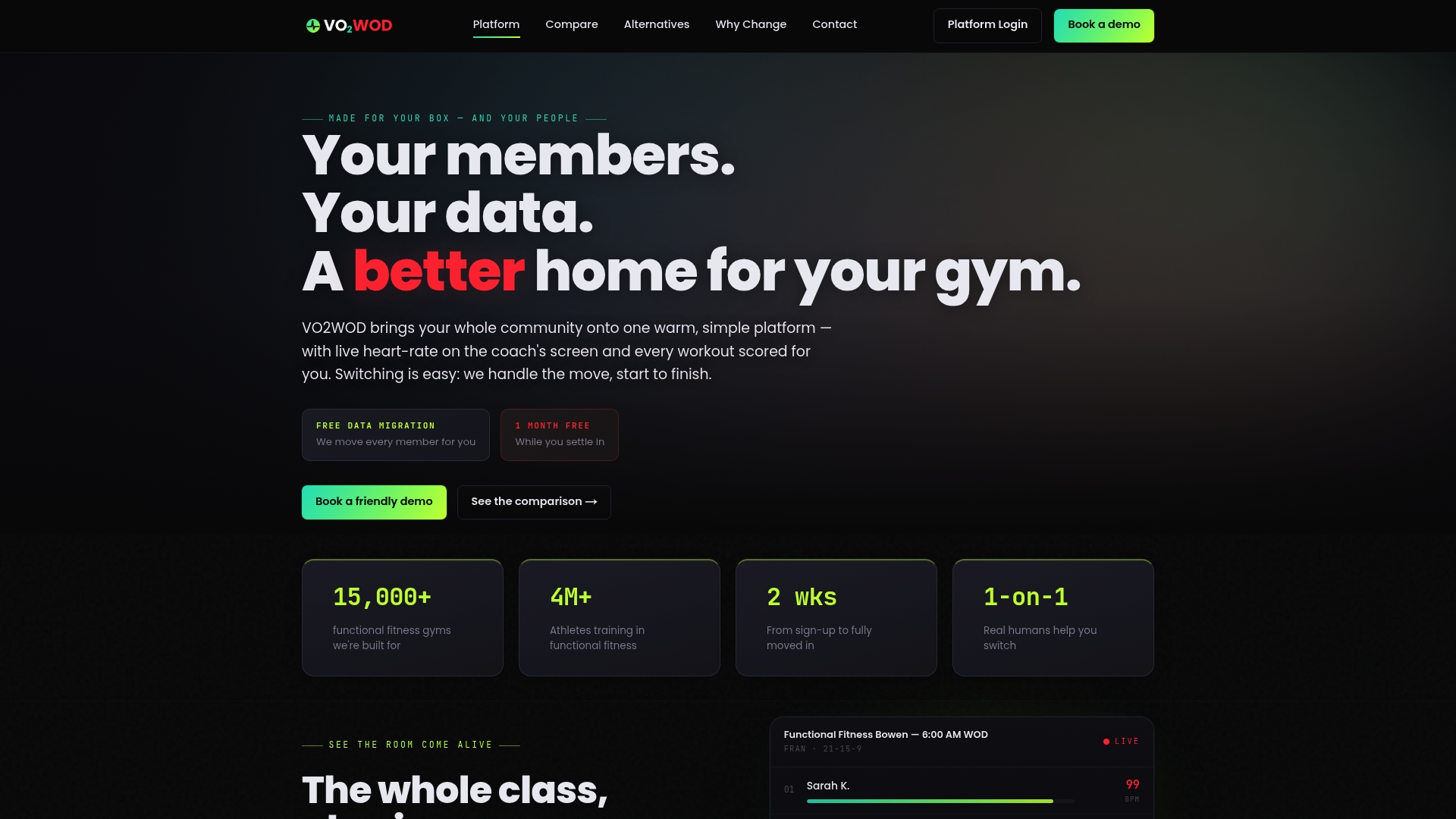
VO2WOD is management software for functional fitness gyms. It brings membership and recurring billing, class scheduling and reservations, QR or wristband check-in, a lead CRM, in-app messaging, a movement library and personal-record tracking into one platform, with live in-class heart rate monitoring and automatic workout scoring. It works with Garmin, Apple, Fitbit and Samsung wearables. Switching comes with free data migration, a dedicated support team and one month of complimentary service.
If you are weighing a switch, start at vo2wod.com or read why gyms switch to VO2WOD. To see how the options compare by feature, there is a page on VO2WOD alternatives.
FAQ
What data should a gym migrate?
Move member profiles, active memberships and prices, billing schedules, class credits, future reservations, leads, waivers and workout history. Treat anything that affects what a member pays or what they have earned as essential. Old reports and dead leads are optional.
Can credit card numbers be exported from my old gym software?
Not in a normal spreadsheet. Card data is held by your payment processor and moves only through a secure, processor-to-processor transfer, which requires the receiving processor to meet card-industry security standards, as Stripe's documentation explains. Ask your new software provider to coordinate it with your processor.
How long does a gym data migration take?
It depends on how quickly you can export your data, how clean it is and how your payments are handled. Payment data is usually the slowest part. Plan in weeks and set your launch date only after your processor confirms its timeline.
When should I switch, and how do I avoid double billing?
Switch between billing runs, freeze changes in the old system after the final export and confirm which system will bill each member on the first cycle. Compare the first cycle's charges to your reconciliation sheet.
Will members lose their workout history?
They should not. Workout scores, movements and personal records are part of the data you ask to migrate, and you should confirm in writing that they are in scope before you sign. Spot-check a few long-time athletes after the import.
Sources
- How to Switch Studio Software Without Losing Data
- Request a payment data export (Stripe documentation)
- Request a payments data import (Stripe documentation)