

Yes, you can connect Fitbit data to a gym or coaching platform. Daily summaries and activity records flow through standard OAuth sign-in, while live or high-resolution heart rate requires intraday access, which Fitbit grants differently depending on your app type. Most gyms connect through the Fitbit Web API, Android Health Connect, or direct account linking inside a partner app.
TL;DR:
- Daily summaries and workout records need member consent, but Client and Server apps must justify intraday access for other users; Personal apps receive it automatically.
- OAuth with the Web API is the only route to intraday data; Health Connect simplifies Android transfers, while partner apps can offer direct linking.
- Plan intraday pulls by class or day because Fitbit limits each heart rate request to a 24 hour period, preventing long history downloads.
- After May 19, 2026, members must migrate Fitbit accounts to Google Accounts, so gyms should prepare relinking instructions and help members sign in again.
Table of Contents
- What Fitbit data can your gym actually use?
- How do integrations connect to Fitbit?
- What is the step-by-step checklist for going live?
- What can you build once the data flows?
- How do you fix sync and permission problems?
- What privacy and consent steps should you follow?
- Why wearable integration matters for functional fitness gyms
- How we help gyms bring Fitbit data into class
- FAQ
- Sources
What Fitbit data can your gym actually use?
Fitbit exposes activities, steps, heart rate, heart rate variability, SpO2 and breathing rate. Daily summaries are the easy part. The higher-resolution layer is where planning matters.
- Daily summaries: activity totals, steps and resting heart rate, available once a member authorizes your app.
- Activity records: logged workouts with duration and calories, ideal for importing sessions.
- Intraday series: heart rate, HRV, SpO2 and activity at 1sec or 1min detail.
- Exercise sampling: heart rate is recorded at a finer grain during tracked exercises than during ordinary wear.
Fitbit's intraday documentation says personal intraday data is automatically available to "Personal" app types, while Client and Server apps that want intraday access for other users are approved case by case and must show why they need it.
One constraint to plan around: a single heart rate intraday request cannot span more than a 24-hour period. For a gym, that means pulling data class by class or day by day, never as one long history dump.

How do integrations connect to Fitbit?
Several routes can suit different gym setups, and each may provide different data.
- OAuth with the Web API. A member consents, your app receives access and refresh tokens, and the scopes you request decide which endpoints you may call. This is the most flexible route and the only one that can reach intraday data, provided your app type qualifies.
- Health Connect on Android. Fitbit can sync into this central layer on Android, and apps read from it. It simplifies transfers for Android members, though you get what Health Connect exposes rather than the full Web API.
- Direct account linking. Members sign in to Fitbit inside a partner app and approve syncing. Fitbit's support page on connecting with another app describes this on-screen linking alongside Health Connect.
Pro Tip: Decide before you build whether you need to live heart rate or only daily summaries. Summaries work on every route; live data narrows your options and adds an approval step.
For a comparison of how another wearable handles pilots and linking, see our write-up on Samsung Health gym integration.
What is the step-by-step checklist for going live?
Start with decisions, then build, then test with real members.
- Choose your route. Pick a custom Web API app or a partner integration, and write down whether you need summaries or intraday data.
- Register with Fitbit. Create the app, select the app type (Personal, Client or Server), and request only the scopes you need.
- Apply for intraday access if required. Client and Server apps must justify the request, so describe the in-class use case clearly.
- Write member instructions. A one-page walkthrough for linking a device cuts front-desk questions.
- Test with sample accounts. Link two or three staff devices and confirm sync.
- Run a live class. Check that heart rate appears at the expected resolution during recorded exercise.
Operations deserve their own attention:
- Store tokens securely and handle refresh automatically.
- Set a data retention policy and document it.
- Name one person who owns member support for linking problems.
Our guide to integrating wearables shows how this plays out without a custom build.
What can you build once the data flows?
The integration route you choose determines which gym features become possible.
- Live heart rate on class screens: needs intraday access or a device broadcast capability, so confirm your approval status first.
- Automatic workout import: daily summaries via OAuth are enough to merge a member's tracked session with your attendance records and cut manual entry.
- Scoring and leaderboards: heart rate plus activity metrics can drive effort-based scores. We explain the approach in our post on automatic workout scoring.
- Engagement loops: challenges, milestones and in-app messages tied to device data keep members returning. Sidekick's piece on weekly attendance goals is a useful read on designing rewards around consistency rather than perfect attendance.
Group effort data also changes coaching. Our group heart rate rollout write-up covers what happens when a whole class can see effort in real time.
How do you fix sync and permission problems?
Most adoption blockers come down to a handful of causes.
- Data not syncing: ask the member to unlink and relink the app, then confirm the device has synced in the Fitbit or Google Health app, as Fitbit's support guidance suggests.
- Token errors: expired access tokens should trigger an automatic refresh; if refresh fails, prompt the member to reauthorize.
- Missing intraday data: check app-type approval, confirm the member granted the right scope, and remember that sampling is finer during recorded exercise.
- Account migration: Google states that after May 19, 2026, Fitbit accounts must move to a Google Account, which changes how members sign in and may require relinking.
Pro Tip: Keep a short relinking script at the front desk so staff can resolve common cases efficiently.
What privacy and consent steps should you follow?
Keep it simple and transparent, because members decide quickly whether to link a device.
- Request only the scopes you use, with a plain sentence explaining why.
- Keep retention short and tell members how to unlink or request deletion.
- Offer clear help for Google account migration, since many members will hit it.
- Hand out a quickstart sheet or run a short onboarding walkthrough for linking devices.
Why wearable integration matters for functional fitness gyms
We have seen the same pattern across rollouts: gyms that connect wearables stop treating effort as a guess. Wearable integrations with us can support automated scoring, less manual entry and members who can see their own progress. The conventional wisdom says the hard part is the technology. In practice it is member onboarding. A clean linking flow beats a clever feature nobody connects. If you want to pilot it, reach out and we will walk you through a demo.
— Marcus
How we help gyms bring Fitbit data into class
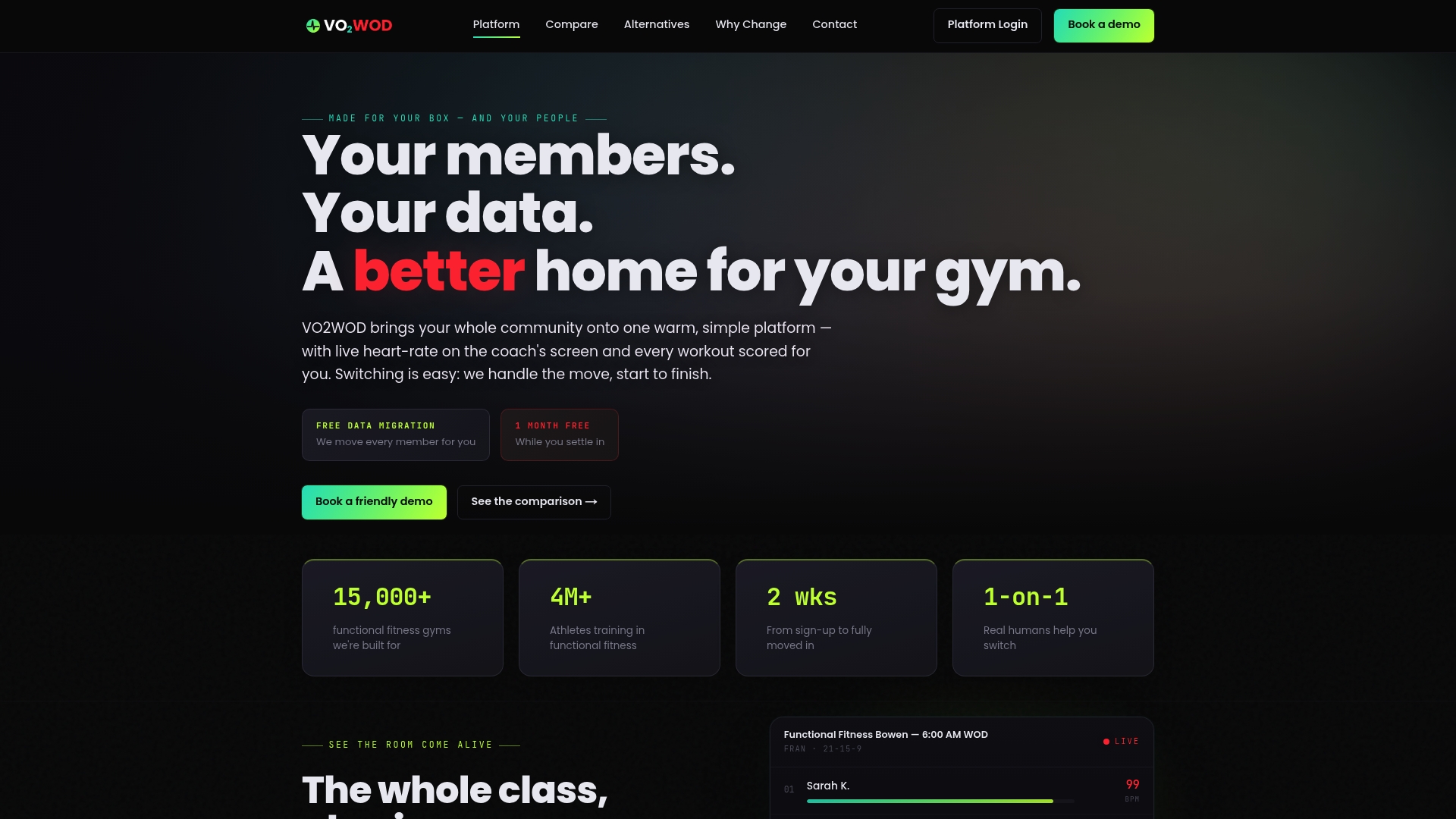
We offer VO2WOD so gyms do not have to engineer this themselves. We support wearable integration, live in-class biometrics and automatic workout scoring, and we handle the setup with you.
- Free data migration from your current system
- One month free to try it with real members
- A dedicated support team for onboarding
Request a demo or start a free migration, and we will map your Fitbit rollout.
FAQ
Are Fitbit accounts going away in 2026?
Fitbit accounts are being replaced by Google Accounts. Google states that after May 19, 2026, users must move to a Google Account to keep using linked functionality, and historical data is kept during migration.
Why is Google phasing out Fitbit accounts?
Google is moving Fitbit users into the Google Health app, which requires a Google Account. Its setup requirements list Android 11 or later, or an iPhone on iOS 16.4 or later.
What workout apps can sync with my Fitbit?
Many can, through on-screen linking or Health Connect on Android. Fitbit's support page lists Strava, MyFitnessPal, WeightWatchers, IFTTT and Withings as examples.
Which Fitbit is best for tracking gym workouts?
Choose a model that records heart rate continuously and syncs reliably. For gym use, heart rate sampling during recorded exercise matters more than any single feature.
Sources
- Intraday
- How do I connect Fitbit with another app?
- How to move your Fitbit Account to a Google Account - Google Health Help Center