
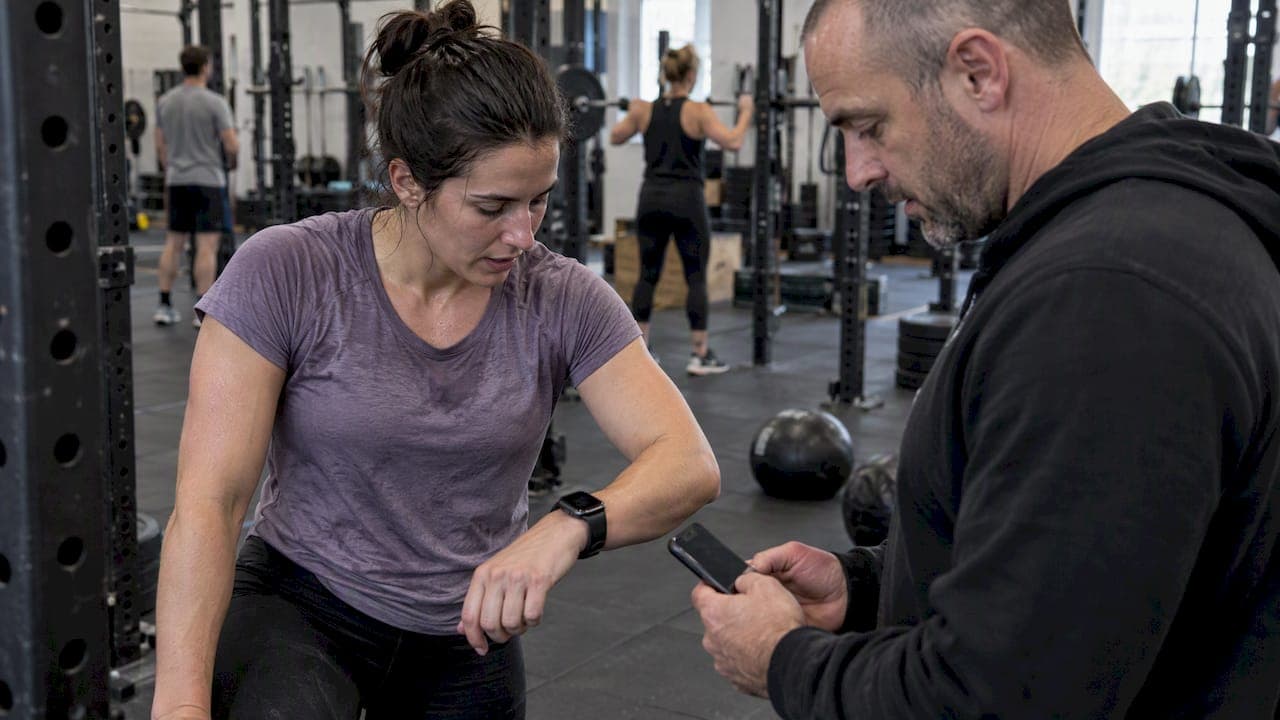
Yes, your gym can integrate Samsung Health for live biometric tracking using either Health Connect or the Samsung Health Data SDK, both of which expose heart rate and exercise session data in real time, getting there requires member consent, Samsung partner approval, and tolerance for occasional sync delays. Your first move is choosing between Health Connect and a direct SDK integration, then building a consent flow and a small pilot before rolling it out gym-wide.
TL;DR:
- Using Health Connect limits data access to what the platform exposes and requires careful UI testing to meet Samsung's permission guidelines.
- Data delays are inherent due to multiple synchronization steps, so real-time monitoring should account for some lag and possible sync gaps.
- Complying with FTC rules demands explicit, separate consent for each biometric data type and secure handling of transmission and storage.
- A small pilot with five to fifteen members helps identify sync, scoring, and UX issues before broader rollout, emphasizing coach communication and trust.
- Off-the-shelf platforms like VO2WOD can simplify integration and automate data migration, reducing development and compliance risks.
Table of Contents
- Health Connect vs. Samsung Health Data SDK: which path fits your gym?
- Building the integration: a developer checklist
- Consent and compliance: what the FTC expects from you
- Implementation practices that keep members and coaches on board
- Running your first pilot: a step-by-step checklist
- What Samsung's partner program expects from your app
- Troubleshooting common sync and integration problems
- Compatibility across gym equipment and software platforms
- Securing biometric data in a gym environment
- Phasing the rollout and earning member trust
- An integration-ready alternative: VO2WOD
- FAQ
- Sources
Health Connect vs. Samsung Health Data SDK: which path fits your gym?
Health Connect acts as an Android platform bridge: it sits between Samsung Health and third-party apps, making cross-app data sharing simpler to set up but limited to what the platform exposes. The Samsung Health Data SDK is a partner-level integration with broader read and write capabilities, but it comes with a stricter review process and a formal application.
For a gym management platform, the data that actually matters for live monitoring and scoring includes:
- Heart rate, both live streaming and aggregated averages for class-wide leaderboards.
- Exercise session records, which mark start and stop times for a workout.
- VO2max estimates, useful for longer-term fitness tracking across members.
- Calories burned and step counts, which round out a member's session summary.
- Blood oxygen (SpO2) readings, relevant for recovery-focused or endurance-based programming.
The data flow itself moves through several hops: a Samsung Galaxy Watch records a signal, passes it to the paired phone, syncs it into the Samsung Health app, and then either Health Connect or the SDK makes that record available to your gym software. Each hop adds a small delay. So, "live" monitoring in practice means near-real-time, not instantaneous, and your scoring logic needs to account for that lag.
Building the integration: a developer checklist
Once you have picked a path, the engineering work follows a predictable sequence. Treat this as the backbone of your sprint planning rather than a one-time setup task.
- Apply to Samsung's partner program and work through the partner app process before writing integration code, since approval timelines affect your launch date.
- Add the Health Connect or Samsung Health Data SDK dependencies to your app, then declare the correct package names and permissions in your manifest.
- Implement per-data-type permission requests using calls like
HealthDataStore.requestPermissionsandgetGrantedPermissions, and build a graceful path for when a member denies or later revokes access, as shown in Samsung's permission request guide. - Design your ingestion pipeline to group records into sessions, validate timestamps against device clocks, smooth or average heart-rate values before they hit a scoring algorithm, and queue updates that arrive late.
- Test across device combinations, including different watch and phone pairings, low-battery scenarios that throttle background sync, and the full permission popup flow a new member will see on first login.
Pro Tip: Build your permission screens and test them against Samsung's partner checklist before submission; most review rejections come from UI issues on the consent popup, not from the underlying data logic.
Budget real QA time for the sync gaps. A watch that drops Bluetooth mid-set, or a phone that's been locked in a gym bag, will produce a visible hole in your live feed, and your coaches need a UI signal that tells them the data is stale rather than wrong.
Consent and compliance: what the FTC expects from you
Biometric data is sensitive, and the rules around collecting it are not optional extras bolted onto a feature. The FTC's guidance on consumer health information requires affirmative, express consent before you collect or share this kind of data, along with a written data protection program and appropriate security safeguards.
In practice, that means:
- A standalone consent flow, separate from your general terms of service, that names each data type you collect (heart rate, VO2max, calories) and explains exactly how it is used, whether for live monitoring, scoring, or leaderboards.
- Least-privilege permission requests, asking only for the data types your scoring logic actually consumes rather than requesting broad access by default.
- Secure transport and storage, meaning TLS in transit and encryption at rest for anything you retain beyond the live session.
- A documented breach response plan, since the Health Breach Notification Rule can apply when consumer health data is exposed without authorization, and an audit log tying each consent event to a user ID, device identifier, and timestamp makes that response far faster.
This is one of the areas where cutting corners costs more later than building it right the first time.
Implementation practices that keep members and coaches on board
Technical correctness only gets you halfway. The other half is making the feature something members actually want to turn on, and something coaches trust enough to use mid-class.
On the onboarding side, keep permission requests granular rather than asking for everything at once, and show a short in-class demo of what live monitoring looks like on the screen before asking someone to opt in. Members who see the leaderboard update in real time before being asked for consent tend to opt in more readily than those who get a permission popup cold.
On reliability, build in buffering so a dropped connection doesn't produce a blank space on the board, along with timeout and heartbeat checks that flag stale data. Give your coaches a simple confidence indicator, not raw numbers, when a signal is sparse or delayed.
On data hygiene:
- Set retention policies that separate what you keep for aggregate dashboards from raw heart-rate streams, which rarely need to live past the session.
- Handle revocation cleanly, so a member who turns off sharing mid-cycle doesn't break your scoring history for past sessions.
- Correlate devices and sessions using the UUID and timestamp metadata every Samsung Health record carries, which helps reconcile data when a member switches phones or watches.
Pro Tip: Store a confidence score alongside every heart-rate reading rather than discarding sparse data outright; a coach can work with "low confidence" far more easily than with a missing number.
If building and maintaining this pipeline in-house isn't where you want to spend engineering time, VO2WOD already supports wearable integrations including Samsung devices, with live monitoring and automatic scoring built into the platform, plus free data migration and a complimentary first month for gyms making the switch.
Running your first pilot: a step-by-step checklist
A pilot is the fastest way to find the gaps in your plan before they show up in a packed class.
- Secure partner access or SDK credentials and commit to either Health Connect or the Samsung Health Data SDK as your integration path.
- Build your permission UI and test the granted-permissions flow on a handful of representative phone and watch combinations.
- Run a small pilot with five to fifteen members, tracking sync latency, scoring accuracy, and informal member feedback during class.
- Log consent records and incidents, then fix what broke before expanding to the rest of your membership.
Keep the pilot group small enough that you can personally check in with each participant after class. That feedback loop catches UX problems a dashboard never will.
What Samsung's partner program expects from your app
Samsung reviews partner apps against a specific checklist before granting SDK access, and most rejections trace back to the permission experience rather than backend logic. Following the partner app process means matching Samsung's UI and UX guidelines for how you request, display, and manage data permissions inside your app.
That review typically looks at whether your permission popup clearly states which data types you're requesting and why, whether you offer an easy way for a member to revoke access later, and whether your app handles a denied permission gracefully instead of breaking the user flow. Submitting screens that haven't been checked against Samsung's documented guidelines is the most common reason integrations get sent back for revisions, which can add weeks to a launch timeline if you haven't budgeted for it.
Treat the partner review the same way you'd treat an app store submission: build your consent and permission screens early, test them against the published checklist, and submit with time to spare before any announced launch date to members.
Troubleshooting common sync and integration problems
Most issues that show up after launch fall into a handful of predictable categories. A member's watch shows data in the Samsung Health app but nothing appears in your gym platform, which usually traces back to a permission that was granted for Health Connect but not for the specific data type your app reads, or a Samsung Health app version that predates the sync requirement.
Delayed or missing live heart-rate data during class is often a Bluetooth or battery-saving issue on the phone rather than a bug in your integration. Wearable data generally follows power-management and sync policies that prioritize battery life over constant streaming, so your platform needs to expect gaps rather than treat every one as a failure.
Duplicate or mismatched sessions usually come down to timestamp handling. Each health record carries metadata like creation time and device UUID, and using those fields to deduplicate and reconcile sessions across a member's phone and watch resolves most of these cases without manual cleanup.
When a member reports that their data "just stopped working," the first checks are: is Health Connect enabled in Samsung Health, is the app version current enough to support sync, and has the specific permission been re-granted after an app update. Building a simple diagnostic view for your support team, showing last sync time and granted permissions per member, cuts resolution time significantly compared to asking members to screenshot settings screens.

Compatibility across gym equipment and software platforms
Samsung Health integration doesn't exist in isolation from the rest of your gym's technology stack. Most functional fitness facilities already run a mix of class scheduling software, check-in hardware, and whatever wearable ecosystem their members happen to own, which usually means a blend of Samsung, Apple, Garmin, and Fitbit devices in the same room — check our home fitness essentials checklist for every goal to ensure your equipment supports diverse member needs.
Your gym management platform needs to treat Samsung as one source among several rather than the only input, both because members won't all own the same device and because switching platforms later should not mean rebuilding your scoring logic from scratch. Equipment that displays live leaderboards, such as wall-mounted screens or tablet displays at each station, needs to pull from a normalized data layer rather than directly from Samsung's data types, so a heart rate from a Galaxy Watch and one from a different wearable render the same way on screen.
If you're evaluating third-party gym software rather than building your own integration, check specifically whether wearable support is a core data pipeline or a thin add-on. Some platforms advertise wearable compatibility but only sync end-of-day summaries, which does nothing for live in-class monitoring. A comparison of gym management platforms is worth reviewing before you commit engineering time to a custom build, since the integration work described in this guide already exists in some off-the-shelf options.

Securing biometric data in a gym environment
A gym floor is a different security context than a typical office app deployment. Members are moving, phones are in pockets or on equipment, and the people handling support tickets are often coaches rather than IT staff, which changes how you need to think about access control.
Every data transmission from a member's device through your app to your backend should run over TLS, with no exceptions for internal network segments inside your gym. Data at rest, particularly anything beyond the live session window, needs encryption and role-based access so that only staff who need to see performance data can see it, rather than giving every front-desk login full visibility into biometric history.
Device-level identifiers like the UUID and device metadata that come with each Samsung Health record should be treated as sensitive in their own right, since they can be used to track a specific member's device across sessions even without a name attached. Limit how long raw device identifiers are retained once a session has been scored and logged.
Physical security matters too: a shared gym tablet displaying a leaderboard should never retain a logged-in session that exposes a member's full health profile. Build session timeouts and automatic logouts into any shared-device interface, and make sure your staff training covers what to do if a device is lost or a login is left open at the front desk.
Phasing the rollout and earning member trust
Integration like this is a cross-functional project, not a backend task you hand to one developer. Technical staff, gym operations, legal review, and coaches all have a stake, and skipping any of them tends to surface as a support problem later.
Start with a small pilot and track scoring accuracy and opt-in rates from day one, since those two numbers tell you more than any amount of internal testing. I'd put more weight on consent language and coach training than most teams do: members trust a feature when a coach can explain in one sentence what data shows up on the board and why, not when they're handed a dense privacy notice at sign-up.
— Marcus
An integration-ready alternative: VO2WOD
If the build timeline above feels longer than your gym has the engineering bandwidth for, VO2WOD already handles wearable integration, including Samsung devices, alongside live in-class monitoring and automatic workout scoring.
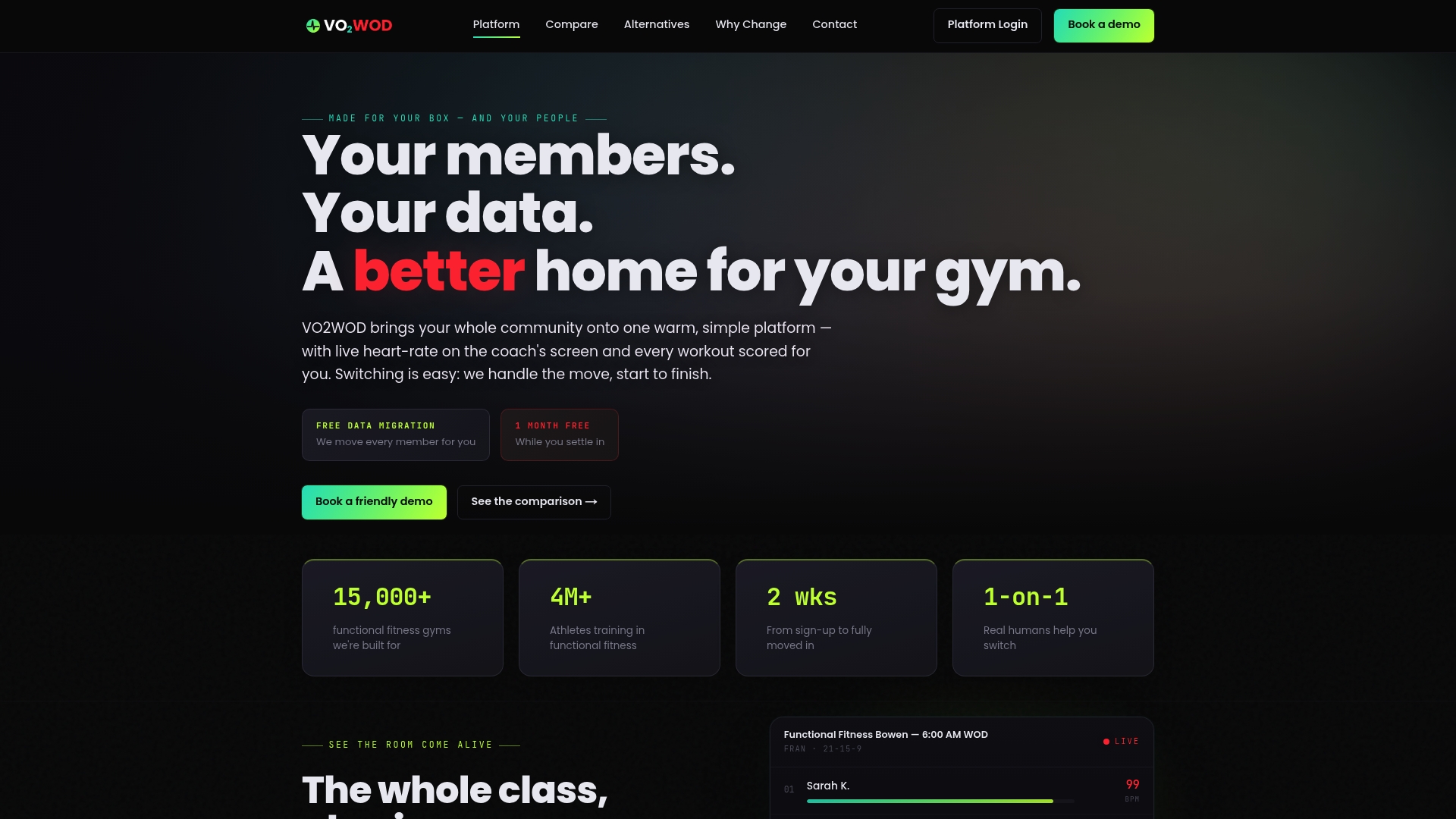
Switching often includes data migration, trial service periods, and support teams to help with onboarding, so gyms are not troubleshooting a new system alone during their first weeks live. Pair it with Vo2hub hardware for a combined setup, or see how it stacks up against other platforms on our alternatives comparison page before you decide how to move forward.
FAQ
Does Samsung Health require a partner agreement for gym software?
Yes, accessing broader data through the Samsung Health Data SDK requires applying through Samsung's partner app process, which includes a review of your app's permission UI. Health Connect offers a lighter path for basic data access without the same partner approval requirement.
What health data types can a gym actually pull from Samsung Health?
Supported data types include heart rate, exercise sessions, VO2max estimates, calories burned, step counts, and blood oxygen, all accessible through Health Connect or the Samsung Health Data SDK. Each record also carries timestamp and device metadata that helps reconcile data across a member's devices.
Is live heart-rate monitoring really instant?
Not quite: data moves from the watch to the phone, into Samsung Health, and then to Health Connect or your gym software, which introduces a small delay at each step. Most integrations handle this by smoothing values and flagging stale readings rather than promising instant streaming.
What consent do we need before tracking a member's biometric data?
The FTC requires affirmative, express consent before collecting or sharing health information, presented through a clear, standalone notice rather than buried in general terms. You should also maintain a written data protection program and be prepared to respond to a breach under applicable notification rules.
Does VO2WOD support Samsung Health integration out of the box?
Yes, VO2WOD supports wearable integrations including Samsung devices, with live monitoring and automatic scoring built into the platform rather than requiring custom development.
Sources
- Accessing Samsung Health Data through Health Connect | Samsung Developer
- Permission request example | Samsung Developer
- Collecting, using, or sharing consumer health information? Look to HIPAA, the FTC Act, and the health breach notification rule | FTC