
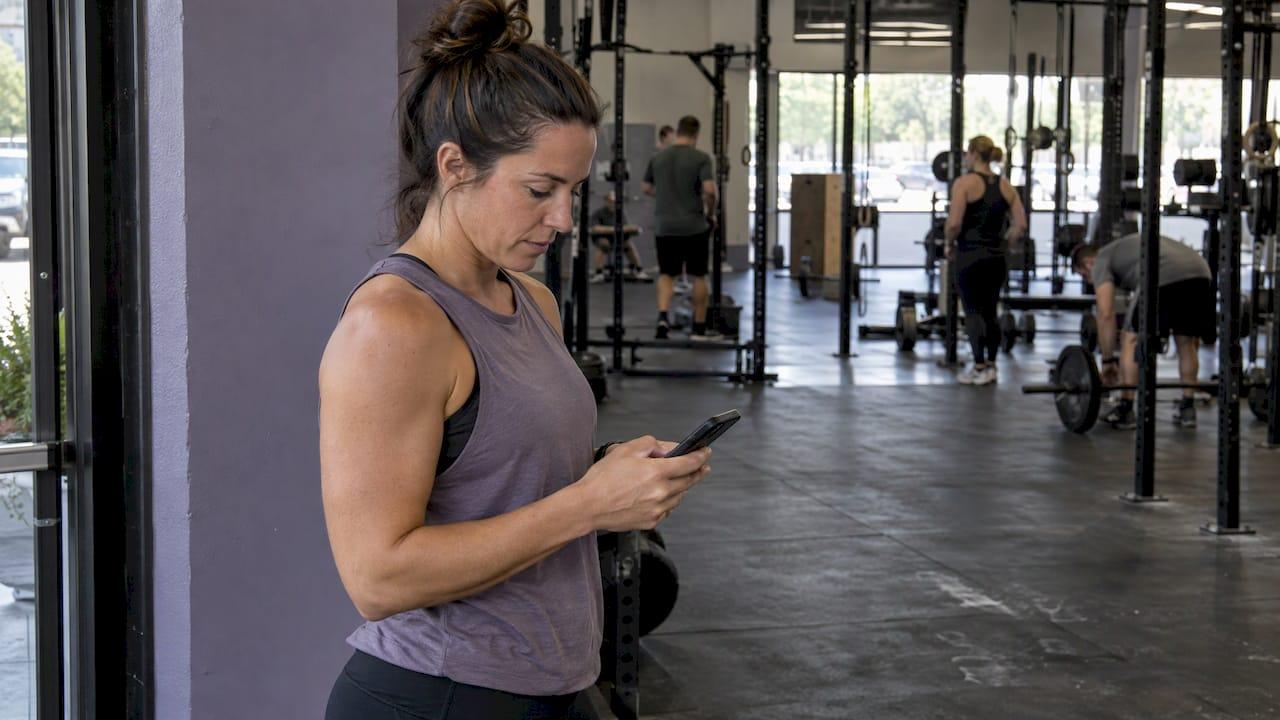
A good class reminder tells the member who you are, which class they booked, when and where it starts, and gives them one easy way to confirm or cancel. Below are ready-to-use templates for text, email and in-app messages, plus the timing that suits morning, midday and evening classes. If your reminders, bookings and waitlist all live in one gym platform, each template gets simpler to send, and that is the case for running them from VO2WOD, our software for functional fitness gyms.
TL;DR
- Every reminder needs five things: who you are, what class and when, where, one next step, and what to bring.
- Send a confirmation about 24 hours out, a short nudge about 2 hours out, and keep it to roughly three touches per class.
- Early classes work best with an evening-before message; midday and evening classes with a message two hours before.
- Keep texts short, one idea each, with a clear reply option and a STOP opt-out. Respect quiet hours.
- Tie the cancel reply to your waitlist so a late cancellation fills the spot instead of leaving an empty rack.
Table of Contents
- What every class reminder should include
- Text message templates
- Email templates
- In-app and push messages
- When to send class reminders
- Personalize without over-messaging
- Our perspective
- Run your reminders from one platform
- FAQ
- Sources
What every class reminder should include
Most weak reminders fail the same way: they say "your class is tomorrow" and nothing else. Constant Contact's guide lists five essentials for a reminder: who is writing (business name and the member's first name), the exact service with the date and time spelled out, the location, one clear next step, and anything to prepare. For gyms, the same guide suggests concentrating on class details and what to bring, with a one-line cancellation window when you need one.
Translated for a functional fitness box, that gives you this checklist:
- Your gym's name. Members get texts from many numbers. Lead with yours.
- First name. One personalization token is enough.
- Class, day and time. "Tomorrow, 6:00 a.m. WOD" beats "your upcoming class."
- Coach. Members often book the coach as much as the class.
- One action. Reply to confirm, tap to cancel, or nothing at all. Never offer three.
- A practical detail. Bring a towel, arrive 10 minutes early for the warm-up, parking is behind the building, wear grips for the skills session.
- A deadline when it matters. If a late cancel costs a credit or a fee, say when that window closes.
Point 7 is where reminders and policy meet. If your reminder mentions a cancellation window, the window has to exist in writing. Our class reservation policy template covers the wording, and class reservation rules and windows shows how to set them up so the reminder and the rule say the same thing.
If you coach youth classes or teams, the message often goes to a parent rather than the athlete. The same five elements apply, and these tips on communicating clearly with parents help you decide what a parent needs to know before drop-off.
Text message templates
Text is the workhorse channel for same-day nudges because it is short and gets read quickly. Constant Contact's advice is to layer channels: full details by email at booking, then a short text the day before. The templates below follow that pattern. Swap the brackets for your own tokens.
24-hour confirmation
Hi [First Name], it's [Gym Name]. You're booked for [Class] with [Coach] tomorrow at [Time]. Reply Y to confirm or C to cancel. Cancelling frees your spot for someone on the waitlist. Reply STOP to opt out.
Why it works: asking for a reply turns a passive reminder into a small commitment. The reply option also gives members who cannot make it an easy exit, which is what you want, because a cancellation 24 hours out is a spot you can refill.
2-hour reminder
[Gym Name]: [First Name], [Coach] has you down for [Class] at [Time] today. Bring water and arrive 5 minutes early for the warm-up. Can't make it? Cancel in the app so the waitlist can grab your spot.
Keep this one even shorter than the first. Class name, time, one practical tip, one action.
Early-morning class, evening-before version
[Gym Name]: Hi [First Name], 6 a.m. [Class] is tomorrow with [Coach]. Lay out your shoes and bottle tonight. Need to cancel? Do it by 9 p.m. so a waitlisted member can take your spot.
The prep line matters most here. For a 5:30 a.m. class, the decision is made the night before.
Waitlist spot-opened message
[Gym Name]: A spot just opened in [Class] on [Date] at [Time], [First Name]. Reply YES to grab it. It's yours for the next [20] minutes.
The acceptance window should shrink as class time approaches. One automation guide suggests 60 minutes for a cancellation 24 hours out and at most 20 minutes for one two hours out, with no artificial urgency for a cancellation 30 minutes before class. Fill in the number that matches how far out the spot opened.
Trial or drop-in confirmation
First-timers are the most likely to ghost, because they have no habit yet. Give them more than a date:
[Gym Name]: Hi [First Name], we're excited to meet you. You're booked for [Class] with [Coach] tomorrow at [Time]. Wear anything you can move in, arrive 10 minutes early so we can show you around, and park in the lot behind the building. Reply YES to confirm your spot.
A bare "your class is tomorrow" message reminds someone of a thing they were already unsure about. Logistics and a direct ask give them fewer reasons to bail. For the rest of the drop-in routine, see our guide to gym drop-in management.
Same-day missed class follow-up
[Gym Name]: We missed you at [Class] today, [First Name]. Want to try tomorrow's [Time] class instead? Reply YES and we'll book you in.
Send this a couple of hours after class, not the next morning. Keep the tone friendly. If you charge no-show fees, handle that in a separate, policy-driven message; our piece on automation rules for a no-show fee policy shows how to keep the two from colliding.
Email templates
Email is for the details that do not fit in 160 characters: the focus of the day, equipment, parking, the cancellation link. Send it at booking or the day before, and let the text handle the nudge.
Booking confirmation or 24-hour email
Subject: You're in: [Class] tomorrow at [Time]
Hi [First Name],
You're booked for [Class] with [Coach] on [Day, Month Date] at [Time] at [Gym Name], [Address].
What to expect: [one line on the day's focus, for example "a barbell strength session followed by a short conditioning piece"].
What to bring: water, a towel, and [any equipment].
Please arrive 10 minutes early for the warm-up. If you can't make it, cancel here: [link] by [cancellation deadline] so someone on the waitlist can take your place.
See you on the floor, [Gym Name]
Put the date in full, such as "Tuesday, March 3 at 6 p.m.," rather than "tomorrow" alone. An email gets opened later, and "tomorrow" may be wrong by then.
Email for a class that changed

If a class is cancelled or a coach changes, that is a state change, not another attendance reminder. Send one clear message with what changed and what to do.
Subject: Update: [Class] on [Day] has moved to [New Time]
Hi [First Name], [Class] on [Day] now starts at [New Time] instead of [Old Time]. Your booking has moved with it. If the new time doesn't work, cancel here: [link] and your credit will be returned. Sorry for the change.
One message that states the change beats three reminders that ignore it.
In-app and push messages
Members who use your app can get a short push or in-app message, which costs nothing per message and has no carrier rules to worry about. Keep it to a line:
[Class] starts in 30 minutes. Doors are open. Tap to see today's workout.
Some studios add this "starts in 30 minutes" nudge only for high-intensity or specialty classes where punctuality matters, according to one push notification guide for studios. Used on every class, it turns into noise.
When to send class reminders
There is no single best time, but the guidance converges on a pattern:
| Class type | First touch | Second touch | Optional third |
|---|---|---|---|
| Early morning (5 to 7 a.m.) | Evening before, 7 to 9 p.m. | None, or a short push | 30-minute push for app users |
| Midday | 24 hours before | 2 hours before | None |
| Evening | 24 hours before | 2 hours before | 30-minute push for specialty classes |
| Trial or drop-in | 24 hours before, with a reply ask | 2 hours before, with logistics | None |
The evening-before slot for early classes comes from studio push notification guidance, which also recommends a two-hour reminder for midday and evening classes. A fitness SMS guide gives a 24-to-1-hour window before class for reminders, and another source suggests an email 24 hours out, an SMS two hours out and a push 30 minutes out. Use these as starting points, then adjust to your own members.
How many is too many
More touches do not mean more attendance. Three reminders per class is a sensible ceiling, and each one should have its own job: confirm, nudge, then the waitlist or state-change message when something actually changes. If two of your messages say the same thing at different hours, delete one. Cap promotional texts separately; one text guide suggests two to four marketing texts per member per week and one idea per message.

Quiet hours and consent
In the US, texting members is regulated, so build the compliance into the template, not into your memory:
- Get explicit opt-in on your membership or waiver form.
- Identify the gym at the start of every message.
- Honor STOP replies immediately and include opt-out language where your messages call for it.
- Avoid texting before 8 a.m. or after 9 p.m. in the member's time zone. Gym SMS compliance guidance treats same-day class reminders as a sparing exception.
This is a general summary, not legal advice. If you run a multi-state operation or send promotional campaigns, ask your attorney to review your consent language and sending practices.
Note the tension with 5 a.m. classes: the evening-before message sent at 7 to 9 p.m. fits inside quiet hours, which is another reason it is the right slot.
Personalize without over-messaging
Personalization does not need to be clever. Four tokens carry most of the value: first name, class name, time and coach. Add a fifth, a practical detail, when you have one.
Two habits keep reminders from being ignored:
- Segment by habit. A member who always attends the 6 a.m. class does not need the same reminder as a member who booked a Saturday class for the first time. Send the lighter message to your regulars and the fuller one to newcomers.
- Give every message a distinct purpose. Confirmation, nudge, waitlist offer, class change. If a message has no new action or information, skip it.
Building a habit is also a retention job, not just an attendance one. Reminders get a member to one class; the follow-up after a missed one gets them back for the next. Our guides on reducing class no-shows and recurring reservations cover the booking side that makes reminders easier. If your members sync classes to their phones, calendar sync adds a reminder you never have to send.
Our perspective
Most reminder advice treats the message as the whole job. In our experience the message is the last step. It only works when the booking, the waitlist, the cancellation window and the member's contact preferences all sit in the same place, so that "reply C to cancel" actually frees the spot and the next person actually hears about it.
That is why we built VO2WOD as one platform for functional fitness gyms: class scheduling and reservations, membership and recurring billing, QR or wristband check-in, a lead CRM, and in-app messaging with milestones, all connected. When a member books, cancels or checks in, the same record updates, so your reminder copy can stay short and honest.
Our advice to owners: write three templates, not thirty. A confirmation, a short nudge and a waitlist message. Make each one say who you are, what and when, and one thing to do. Then spend your time on the part members remember, the class itself.
Marcus
Run your reminders from one platform
If you are copying templates between a spreadsheet, a texting tool and a booking system, every cancellation is a manual job. VO2WOD brings class scheduling and reservations, check-in by QR code or wristband, a lead CRM and in-app messaging into one system built for functional fitness gyms, and it adds live in-class heart rate tracking and automatic workout scoring that give members something to come back for. Switching is handled for you: we offer free data migration, a dedicated support team for the transition, and one month of complimentary service. See how VO2WOD works for your gym or why gyms switch.
FAQ
What is the best time to send a class reminder?
For early-morning classes, send the evening before, between 7 p.m. and 9 p.m. For midday and evening classes, a reminder about two hours before works well, with a confirmation 24 hours out. Stay inside quiet hours, which in the US generally means no texts before 8 a.m. or after 9 p.m. in the member's time zone.
How many reminders should a member get per class?
About three at most, and each should have its own purpose: a confirmation about 24 hours out, a short nudge a couple of hours before, and a waitlist or class-change message only when something changes. Sending the same message at different hours adds noise, not attendance.
Should reminders be text, email or push?
Use all three for different jobs. Email carries the full details and the cancellation link, text handles the short same-day nudge, and push or in-app messages suit members already in your app. Layering them works better than repeating the same words on every channel.
What should a reminder say about cancellations?
One line: the deadline and the easiest way to cancel, ideally with a note that cancelling frees a spot for the waitlist. Make sure the deadline matches your written reservation policy so the reminder never promises something the policy does not back up.
Do I need permission to text members?
In the US, yes. Collect explicit opt-in on your membership or waiver form, identify your gym in each message, and honor STOP requests right away. Have your attorney review your consent wording if you send promotional texts or operate in more than one state.
Sources
- Appointment Reminder Templates: Text & Email Examples, Constant Contact
- Push Notifications for Fitness Studios: A Complete Guide
- Fitness SMS Marketing guide, Sinch
- Fitness Class No-Show Automation, Intellivizz
- Stop Losing Gym Bookings: Email & SMS Templates
- SMS Marketing for Gyms: Member Retention and Class Attendance
- Effective parent communication methods for youth coaches