
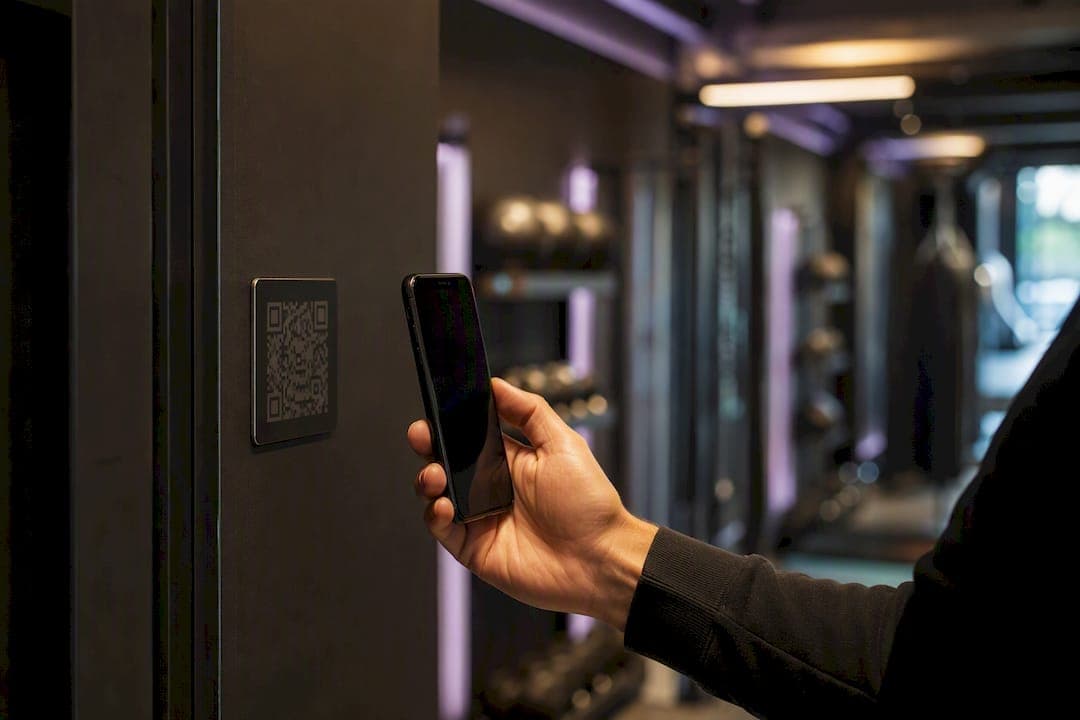
The fastest, lowest-risk path to contactless check-in for most boutique functional fitness gyms is a software-first system built on dynamic QR codes, with kiosk or RFID hardware layered in only if your throughput demands it. Contactless check-in, in a gym context, means a member enters a class or facility using a QR code, mobile app, RFID wristband, or self-service kiosk instead of a staffer manually pulling up their account.
Get these pieces in place first:
- A mobile app or QR system tied directly to your class schedule
- Time-limited QR tokens so codes can't be screenshotted and shared
- Billing validation at the point of check-in, not after the fact
- A migration plan for existing member and reservation data
VO2WOD covers this out of the box, with dynamic QR and wristband check-in that syncs to reservations, plus free data migration and real-time heart rate monitoring built into the same platform. You're not stitching together three vendors to get one working front desk.
Table of Contents
- How Does Contactless Check-In Work in a Gym?
- What Business Benefits Does Contactless Check-In Deliver?
- How Do You Roll Out Contactless Check-In?
- Should You Choose Hardware or Software for Check-In?
- What Should You Integrate With Your Check-In System?
- How Do You Measure Contactless Check-In ROI?
- How Does VO2WOD Handle Contactless Check-In?
- What Should You Prioritize First?
- What Owners Get Wrong About Contactless Check-In
- Get Contactless Check-In Running Without the Guesswork
- Sources
How Does Contactless Check-In Work in a Gym?
Four methods dominate the functional fitness space, and most gyms end up using two of them at once.
- Dynamic QR codes. The system generates a code that refreshes on a timer, often every 30 to 60 seconds, so a screenshot shared in a group chat stops working almost immediately. A staff member or a kiosk scans it, or the member's phone displays it for a wall-mounted reader.
- Mobile app check-in. The member opens the gym's app, taps "check in," and the software cross-references their reservation and membership status before granting access. No screen-to-screen scanning required.
- RFID wristbands or key fobs. These work well at turnstiles and high-traffic entries. A combined RFID and QR setup tied to turnstiles can cut queue time and flag duplicate scans automatically.
- Tablet or kiosk check-in. A self-serve kiosk near the entrance lets members tap their name or scan a code, which suits studios running one front-desk staffer during peak hours.
Buddy-passing, where one member checks in a friend using their own credentials, gets caught because most systems flag a second scan of the same token within minutes and compare check-in timestamps against the class roster. That reservation sync is what turns a simple scan into real attendance data.
What Business Benefits Does Contactless Check-In Deliver?
The upside isn't just shorter lines. It's cleaner data that feeds everything from payroll to your retention strategy.
- Faster entry during peak class changeovers, which matters when you're running back-to-back 6 a.m. sessions
- Attendance records accurate enough to base instructor pay and class capacity decisions on
- Automatic flags for members whose visit frequency drops, which is one of the earliest churn signals a gym has
- Fewer disputes over "I was here, your system just didn't log it"
Integrated check-in and attendance tools that feed scheduling, billing, and marketing automation turn every visit into a data point you can act on, not just a punch on a card. Some owners worry contactless means impersonal, but a kiosk or QR scan at the front desk still puts a staffer nearby to say hello. The exchange changes; the connection doesn't have to.
How Do You Roll Out Contactless Check-In?
Rushing this costs you more in member confusion than it saves in setup time. Work through it in order.
- Pick your method based on real usage patterns. A studio with three staffed peak hours a day doesn't need the same hardware as a 24-hour access facility.
- Map every integration you'll need, including class scheduling, billing, access control, and any wearable data you already collect.
- Migrate your membership and reservation data into a sandbox environment and test it before anyone relies on it live.
- Pilot with a single class or time block. Watch what breaks, and it will, before you flip the switch gym-wide.
- Train staff on override procedures for the member whose phone died or whose wristband didn't scan.
- Prepare a fallback and a short member communication explaining the change before launch day, not during it.
Pro Tip: Run your pilot during your slowest class of the week, not your busiest. You want to catch bugs when the stakes are low, not when 25 people are standing at the door waiting to start a workout.
The setup steps behind a fitness QR code check-in point are simpler than most owners expect: generate location-specific codes, assign them to entry points, and let the software log both class attendance and general facility access from the same scan.
Should You Choose Hardware or Software for Check-In?
This comes down to your hours and your traffic, not your budget alone.
- Gates and RFID wristbands carry upfront hardware costs and ongoing maintenance, but they handle 24/7 access and high member volume without a staffer present.
- Kiosk or QR-based check-in costs far less to deploy and works for studios, pop-up classes, and off-site bootcamps where you can't install fixed hardware anyway.
- Security and throughput differ sharply: an unstaffed 24-hour gym benefits from RFID's tamper resistance, while a staffed boutique studio gets plenty of security from a simple QR scan.
- The hybrid path most functional fitness gyms actually take: start software-only, prove out the workflow, then add RFID or gates later if member volume justifies the investment.
What Should You Integrate With Your Check-In System?
Check-in data is only as useful as what it connects to. At minimum, plan for these data flows before you launch.
- Live membership validation at the point of check-in, so a lapsed payment blocks entry instead of surfacing as a billing problem two weeks later
- Class roster sync, so attendance feeds directly into retention campaigns instead of sitting in a separate spreadsheet
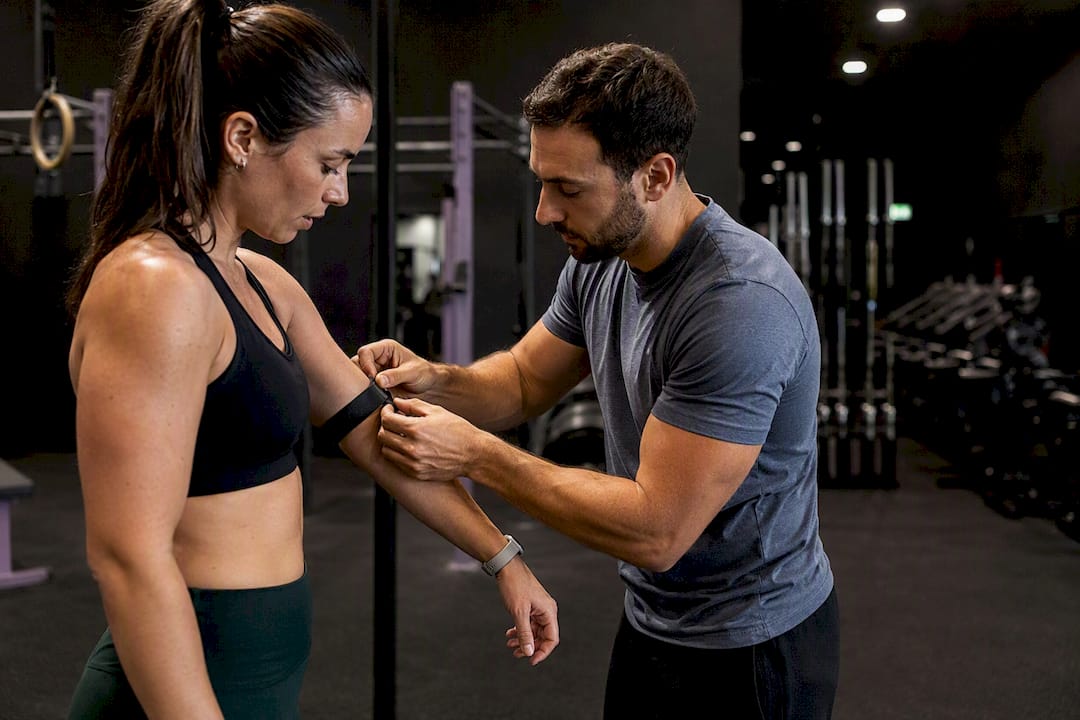
- Optional wearable enrichment, pulling heart rate and workout data from Garmin, Apple, Fitbit, or Samsung devices to add performance context to each visit
- API and SDK support from your vendor, tested against your actual scheduling and billing systems before go-live, not just their demo environment
| Integration | What It Should Do |
|---|---|
| Billing system | Blocks or flags check-in for expired or failed payments |
| Class scheduling | Confirms the member has a valid reservation before granting entry |
| CRM/retention tools | Logs visit frequency to trigger outreach when attendance drops |
| Wearable devices | Syncs heart rate and workout scores to the member's profile |
If you also run team-based competitions or leagues alongside your regular classes, a tool like Roster Sports can help sync participant rosters across events without duplicating your member database.
How Do You Measure Contactless Check-In ROI?
Give yourself 90 days and track a short list of numbers, not a dashboard full of vanity metrics.
- Visits per member per month, which tells you if engagement is climbing or sliding
- Class fill rate and no-show rate, both of which contactless systems track automatically once reservations sync to check-in
- Front-desk hours saved, since a QR or kiosk flow frees staff from manual sign-ins during rush periods
- Billing dispute frequency, which tends to drop once attendance and payment status are checked at the same moment
Watch for a member whose weekly visits drop by half over two consecutive weeks. That pattern is one of the more reliable early churn signals available in attendance and check-in data, and it's invisible without accurate, automated logging.
How Does VO2WOD Handle Contactless Check-In?
VO2WOD builds contactless check-in around the workflows functional fitness gyms actually run, not a generic retail model bolted onto a fitness app.
- QR, wristband, and kiosk check-in modes, selectable per location or class type
- Automatic sync between check-in and your class schedule, so reservations and attendance stay aligned
- Wearable integration with Garmin, Apple, Fitbit, and Samsung devices for real-time heart rate tracking and automatic workout scoring
- Free data migration and one month of complimentary service when you switch from an existing platform
Pro Tip: During your first four weeks on VO2WOD, test check-in during your two busiest classes, confirm wearable sync on at least five member devices, and compare your instructor pay report against your old system before you retire it.
Owners switching from spreadsheet-based attendance or a bare-bones scheduling tool tend to notice the difference fastest in instructor payroll accuracy, since class attendance data that used to require manual reconciliation now populates automatically.
What Should You Prioritize First?
A software-first rollout beats a hardware-heavy one for nearly every functional fitness gym under a few hundred active members, because dynamic QR codes and mobile check-in cost less and integrate faster.
Here's the recommended sequence, worth restating plainly:
| Point | Details |
|---|---|
| Start software-first | Deploy dynamic QR or app check-in before investing in gates or RFID hardware. |
| Sync check-in to billing | Validate membership status at the door to prevent unpaid access and disputes. |
| Pilot before full launch | Test with a single class or time block, gather staff and member feedback, then expand. |
| Track churn signals | Watch for a significant drop in weekly visits as an early retention red flag. |
| Evaluate VO2WOD | Free migration, real-time monitoring, and wearable sync make it a fit for gyms switching platforms. |
What Owners Get Wrong About Contactless Check-In
Most gym owners treat contactless check-in as a hardware decision first, when it's really an integration decision. The gate or kiosk you buy matters far less than whether that device talks to your billing system and your class roster in real time. I've seen owners drop money on turnstiles before they'd even confirmed their software could validate a membership at the door, which is backward.
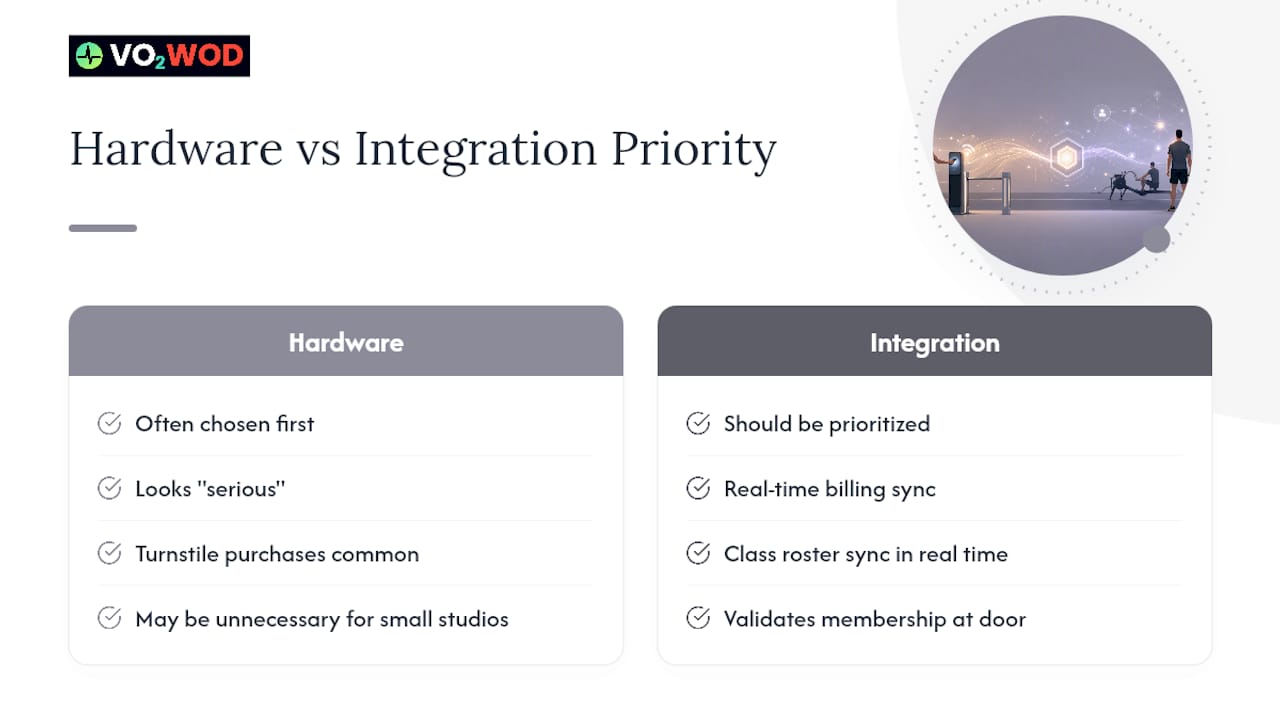
The conventional advice pushes hardware because it looks more "serious." But a 40-member boutique studio doesn't need a turnstile. It needs a QR system that stops a lapsed member from walking into a class they didn't pay for, and it needs attendance data clean enough to trust for instructor pay.
Prioritize the data flow first. If your check-in system can't tell you, accurately, who showed up and whether their membership was current at that exact moment, no amount of hardware fixes that gap. Get the integration right, then decide if you actually need a gate.
— Marcus
Get Contactless Check-In Running Without the Guesswork
Vo2wod gives functional fitness gyms one system for check-in, class scheduling, billing, and real-time performance tracking, instead of stitching together separate tools for each job.
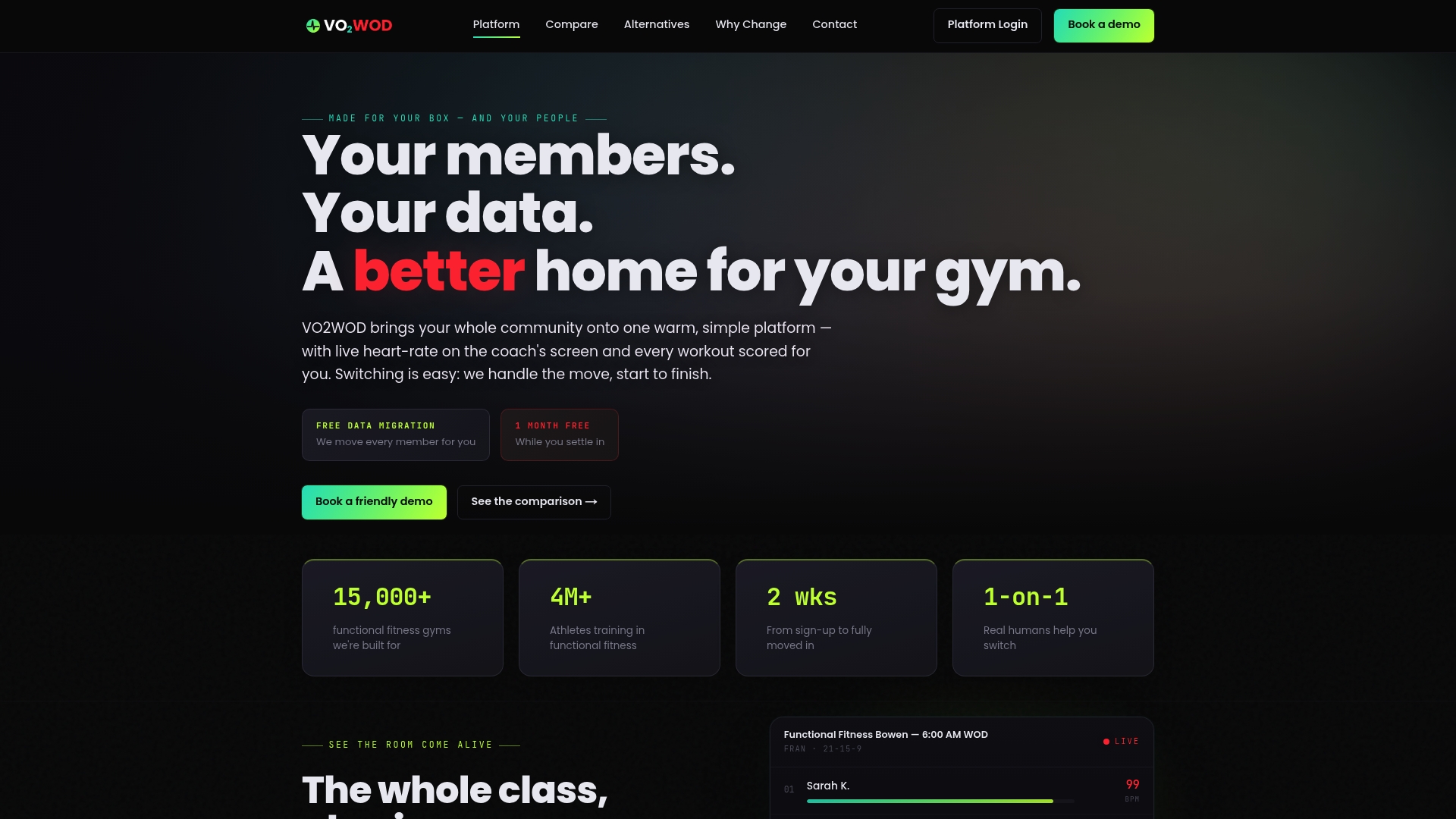
If you're currently piecing together a QR scanner, a spreadsheet for attendance, and a separate app for heart rate data, that's three points of failure every time a member walks through the door. Vo2wod replaces that stack with one platform: QR, wristband, or kiosk check-in synced directly to your class roster, plus automatic workout scoring pulled from Garmin, Apple, Fitbit, or Samsung devices. Switching comes with free data migration and one month of complimentary service, so your existing member records and reservation history move over without your staff re-entering anything by hand.
Compare how it stacks up against what you might be running now on the VO2WOD alternatives page, or go straight to Vo2wod to start a trial and see your first class check in contactless within the week.
Sources
- HFSecurity access control system has been implemented in the Russian gym, achieving membership control and data synchronization
- Fitness QR Code Check-In — Contactless Gym Member Check-In | QRTRAC